
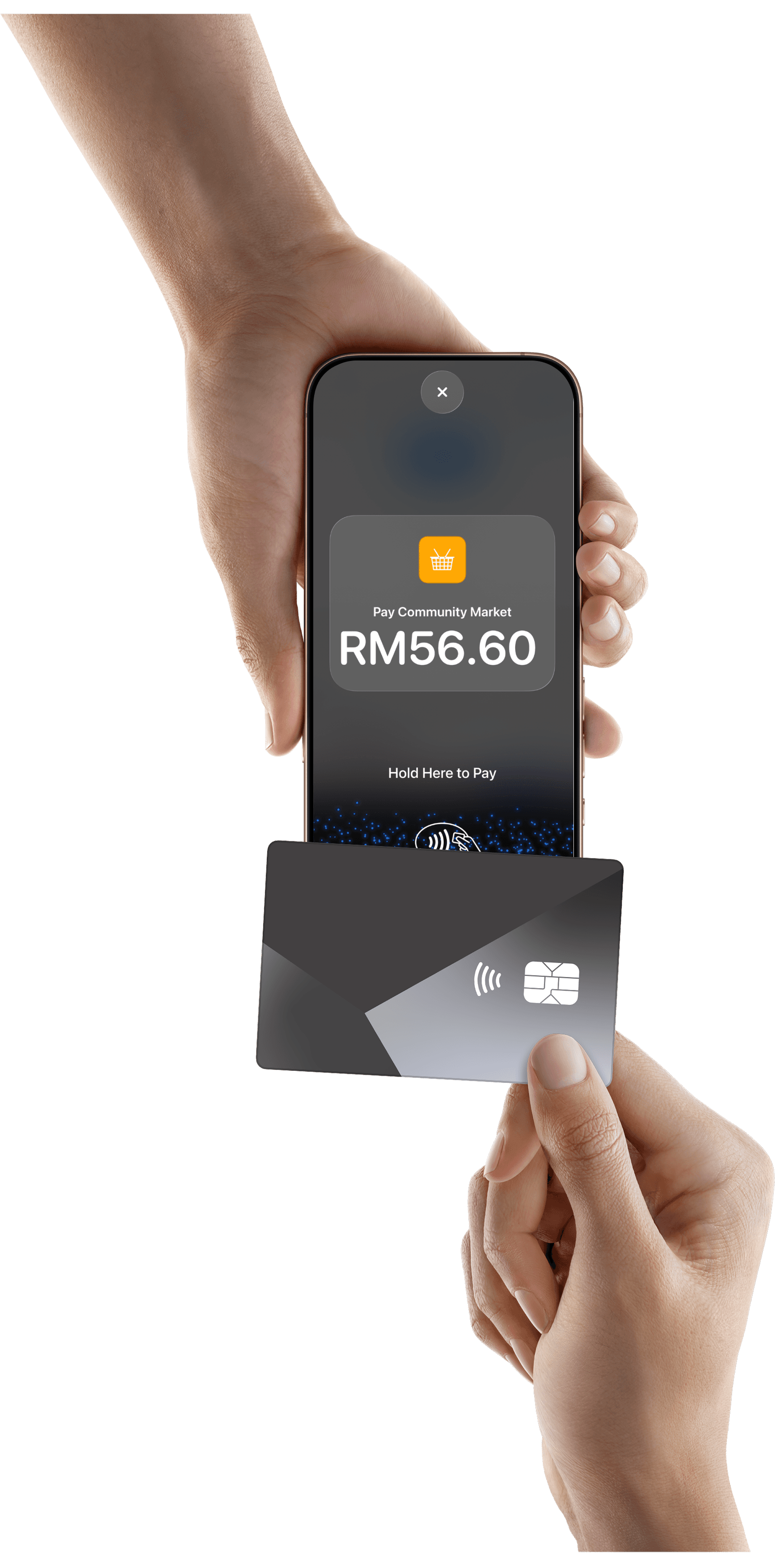
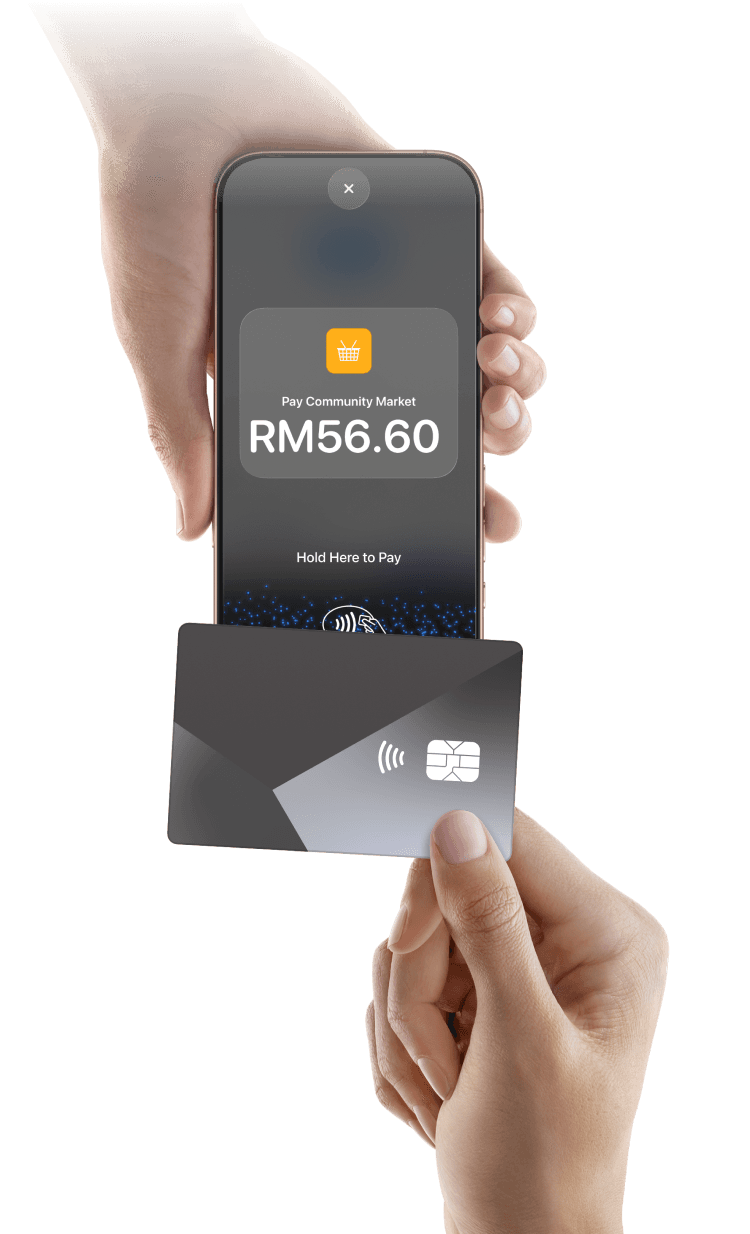
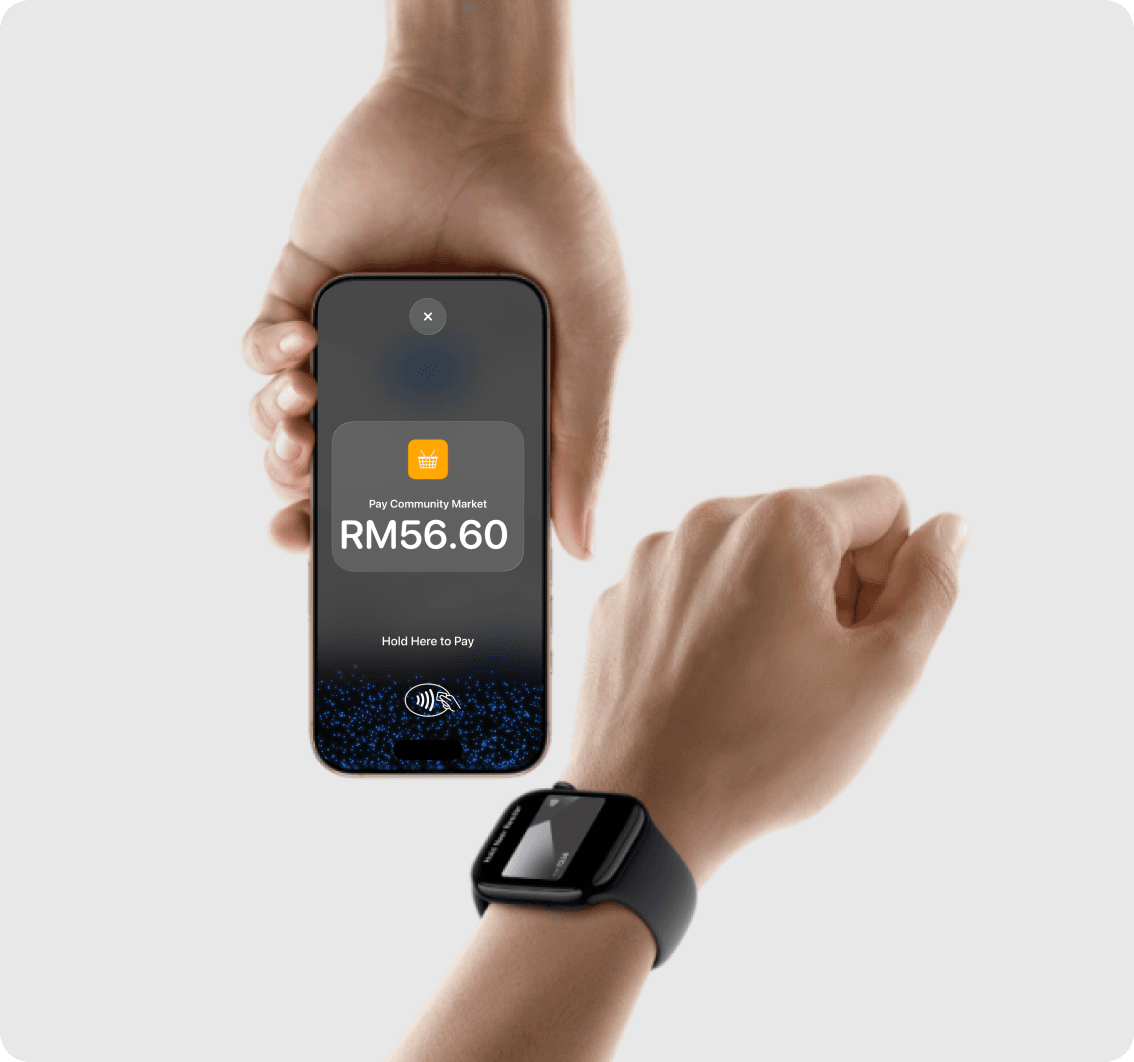
With Tap to Pay on iPhone, anyone can do business in more places simply by accepting contactless payments right on iPhone. The checkout experience makes it easy to reach new customers and take payments on the go. All you need is iPhone and the HitPay app.
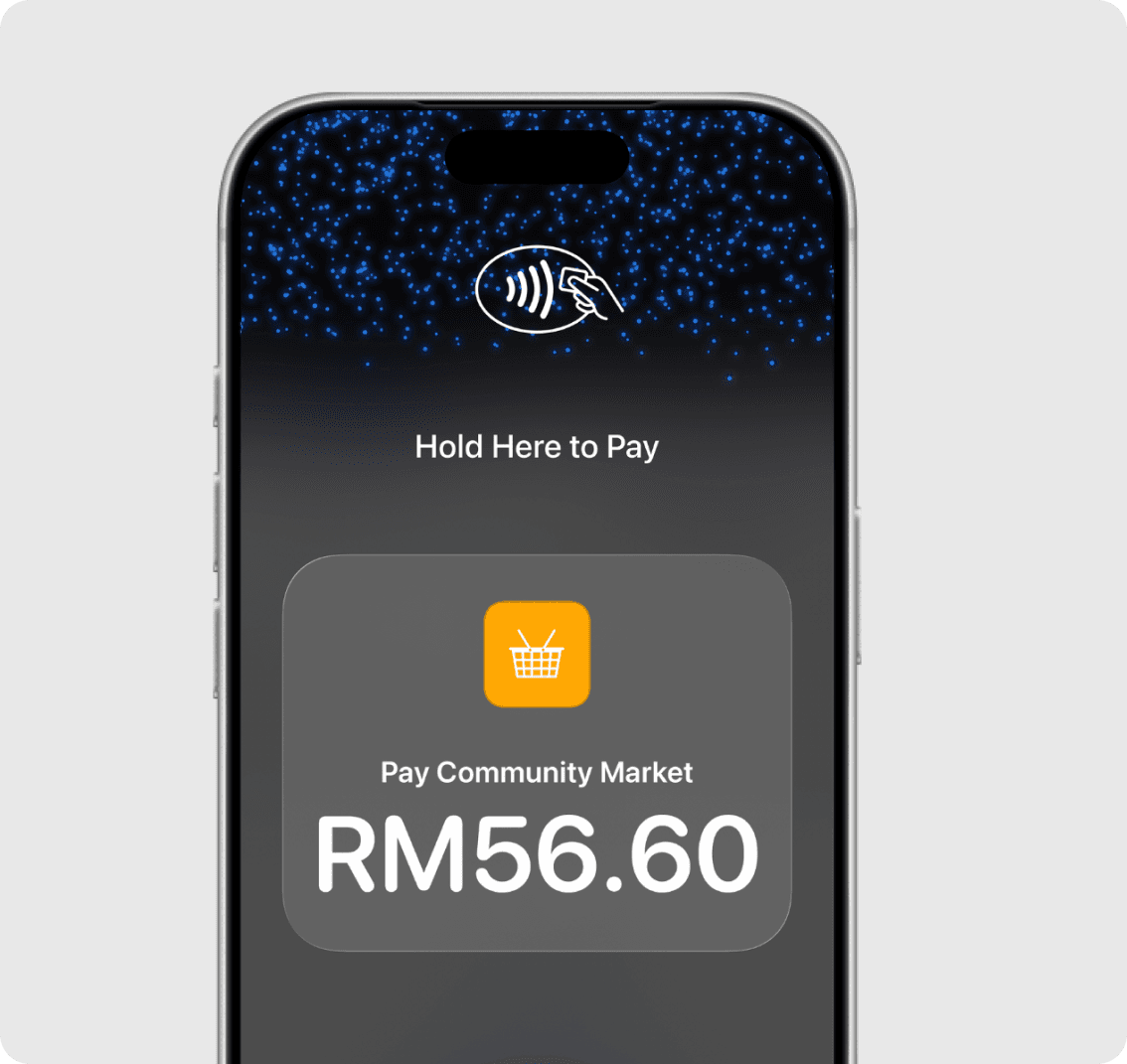
There is no reader to buy or manage. Tap to Pay is listed as free on HitPay’s Malaysia pricing, with no setup fee and no monthly subscription. In-person domestic cards are 1.2% + RM1 and international cards are 3% + RM1, with an additional 2% on foreign-currency transactions — you pay only when a payment succeeds.
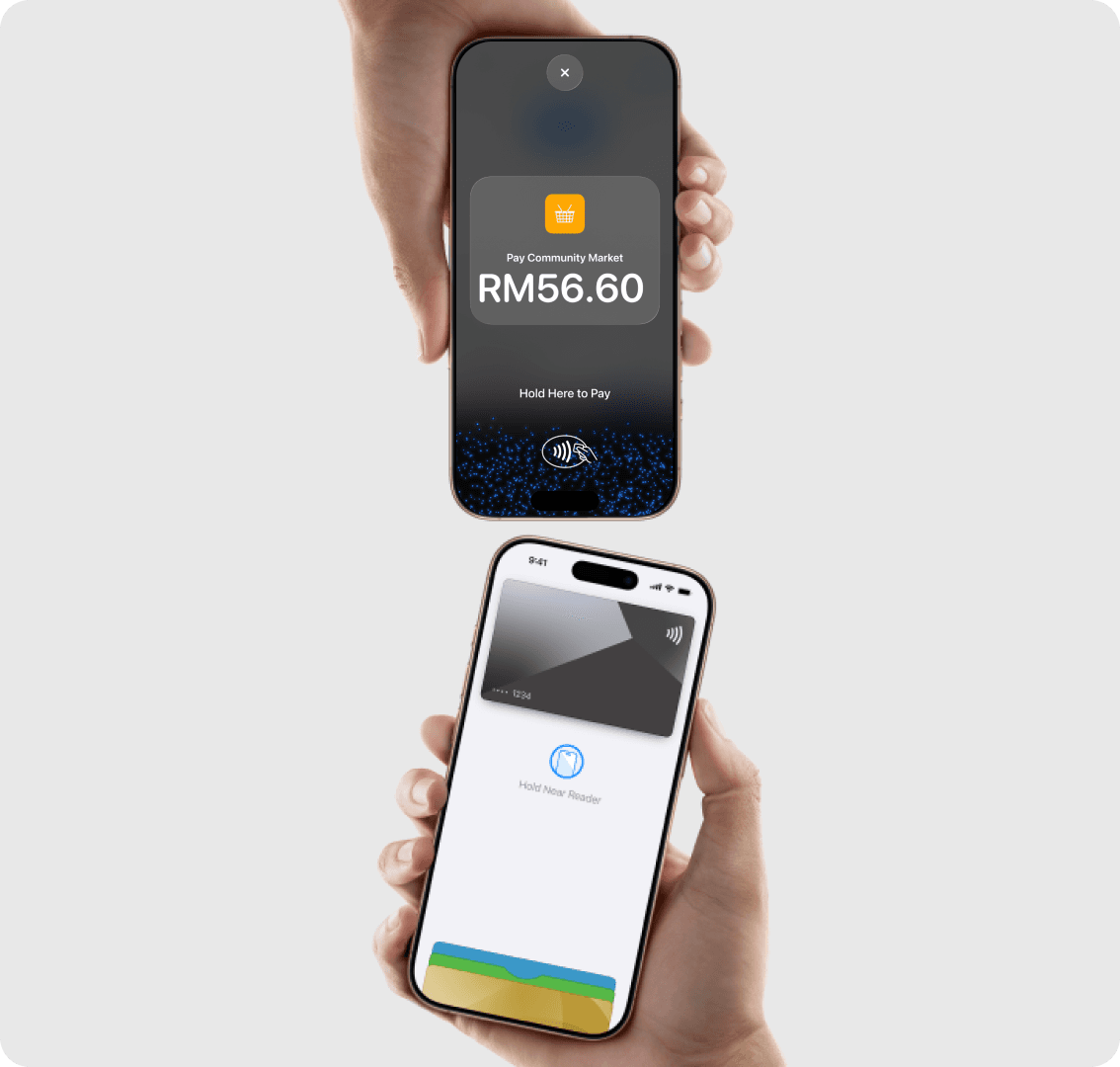
Tap to Pay on iPhone uses the built-in security and privacy features of iPhone. When a payment is processed, Apple doesn’t store card numbers or PIN information on Apple servers — helping to protect your business and customer data. So merchants and customers can rest assured that their data stays theirs.
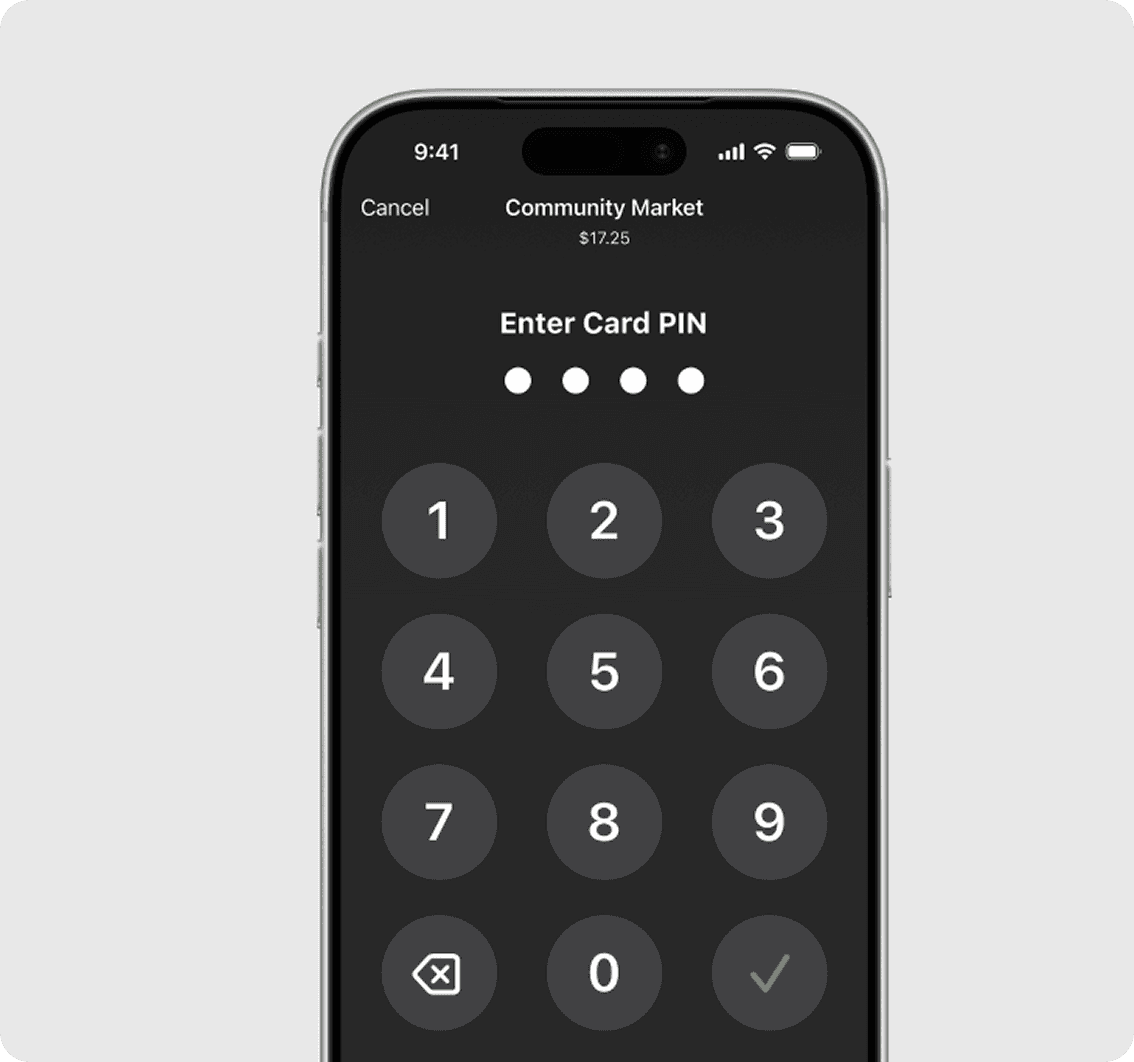
Transactions that require PIN entry will automatically prompt a PIN entry screen when using Tap to Pay on iPhone. During a transaction, Tap to Pay on iPhone is designed to prevent all photo, video, screenshot, and screen recording features on the merchant’s iPhone from capturing a customer’s card number or PIN information.

For customers needing visual or other assistance, accessibility options are built into Tap to Pay on iPhone to help them securely enter PIN information. Audible instructions guide customers to draw their PIN on the screen or tap the screen to indicate each digit — tapping once for 1, twice for 2, and so on. To submit their PIN, they simply swipe right with two fingers.

What do I need to accept Tap to Pay on iPhone in Malaysia?
An iPhone XS or later, iOS 18 or later, and the HitPay app 4.8.1 or later, plus a verified HitPay Malaysia account. No card reader. Tap to Pay on iPhone does not run on iPad. Steps are in HitPay’s Tap to Pay on iPhone guide.
Which payments can a customer tap?
Contactless physical credit and debit cards, Apple Pay, and other digital wallets, in the HitPay app. This page is the iPhone tap. It is not the DuitNow QR flow.
What does HitPay charge for Tap to Pay in Malaysia?
Tap to Pay on iPhone uses HitPay’s Malaysia in-person card rates: domestic cards are 1.2% + RM1 and international cards are 3% + RM1, with an additional 2% on foreign-currency transactions. You pay only when a payment succeeds. The rates are on Malaysia pricing.
Is there a monthly fee or a reader to rent?
No. Malaysia pricing lists no setup fee and no monthly fee, and there is no card reader to buy or rent for Tap to Pay on iPhone.
How do I turn it on?
Create a HitPay account, complete Malaysia verification, download the HitPay app, and enable Tap to Pay on iPhone. The full steps are in the setup guide linked on this page. Take a small in-person payment before you rely on it at the counter.
How is this different from the Malaysia Tap to Pay blog?
This page is how a Malaysia merchant goes live on Tap to Pay on iPhone. The blog guide is background, including Android. Fees and the iPhone requirements for go-live stay here and in the setup guide.
Still have questions?
Contact our team.
