Light to dark blue smooth gradient transition.
A smooth blue gradient transitioning from light to darker shades, evoking a calm and serene atmosphere.

Tap to Pay on Android in Malaysia

Tap to Pay on Android in Malaysia

Tap to Pay on Android in Malaysia

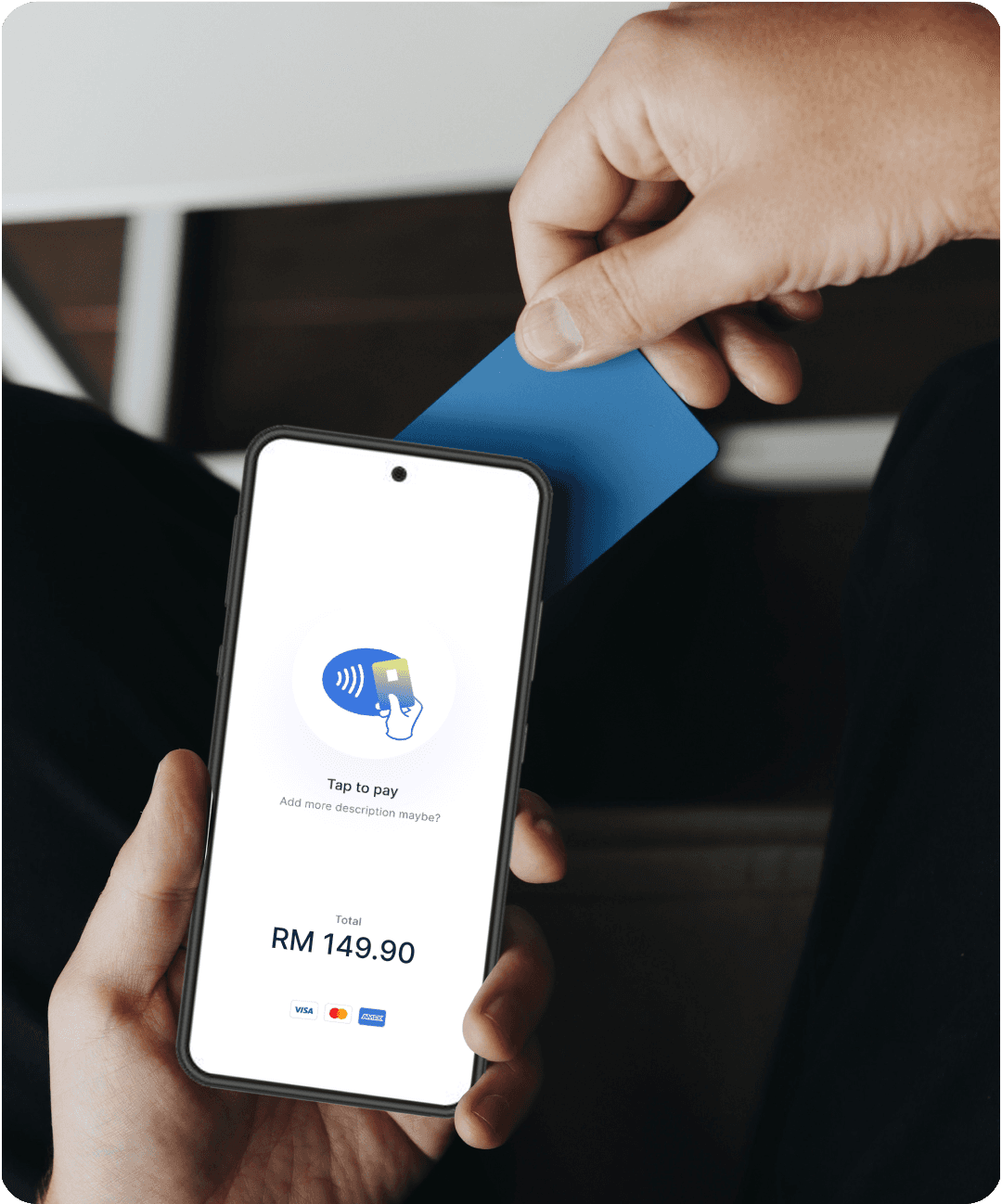
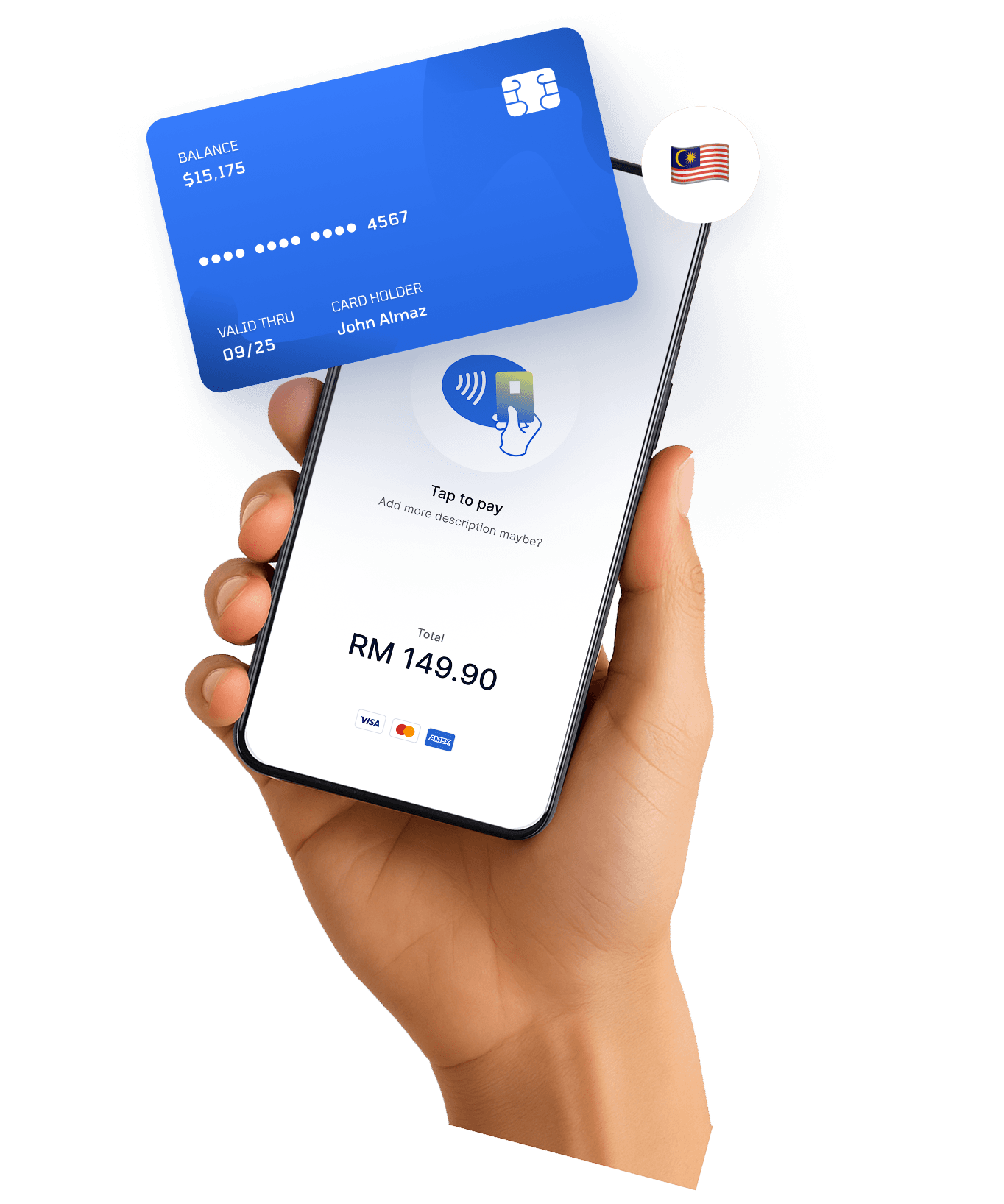
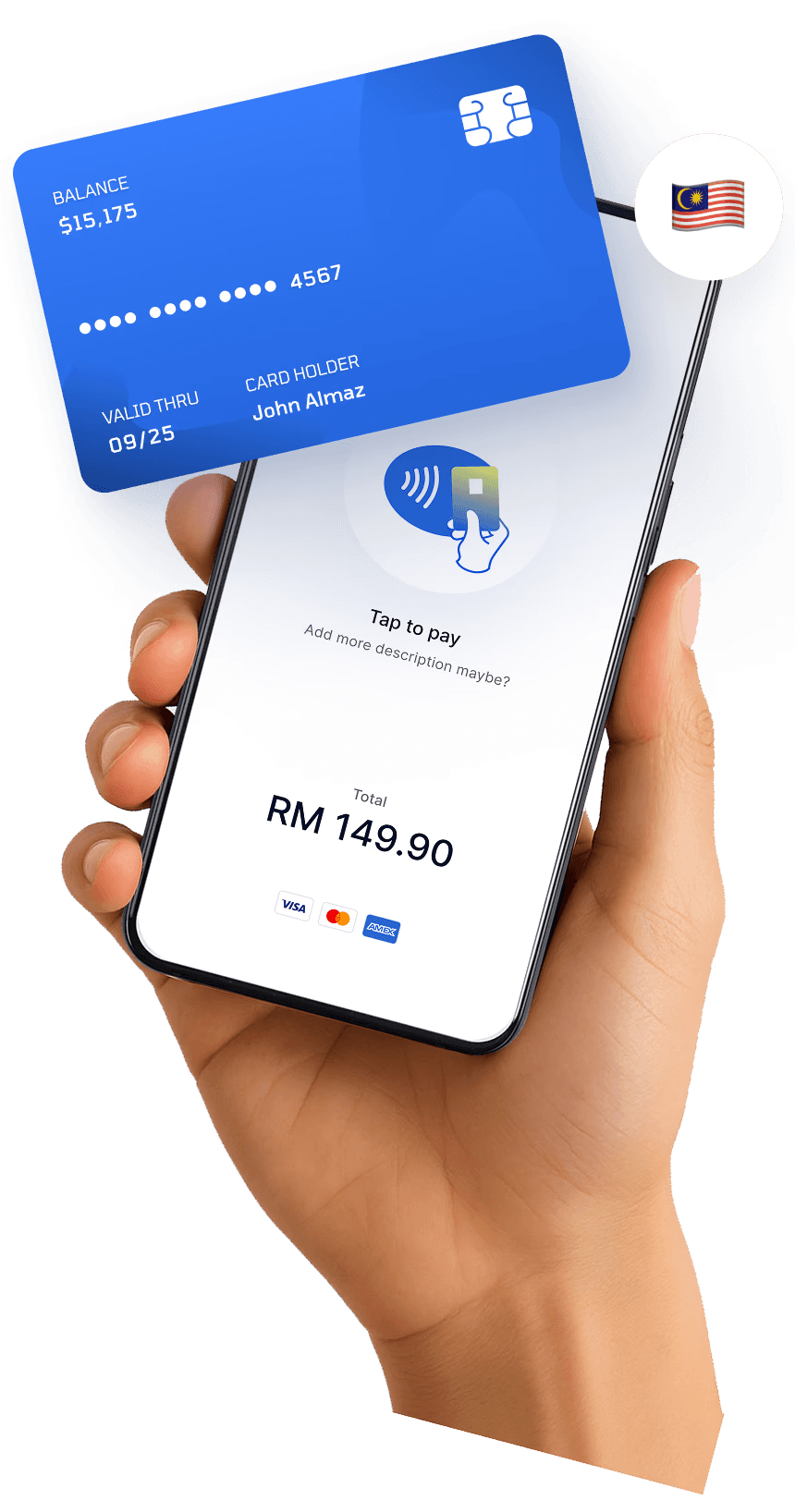
Accept Tap to Pay and PayWave transactions using just your Android phone. With HitPay, your business in Malaysia can go fully contactless—no card terminal needed.

Accept Tap to Pay and PayWave transactions using just your Android phone. With HitPay, your business in Malaysia can go fully contactless—no card terminal needed.

Accept Tap to Pay and PayWave transactions using just your Android phone. With HitPay, your business in Malaysia can go fully contactless—no card terminal needed.

What are the benefits of Tap to Pay in Malaysia?

What are the benefits of Tap to Pay in Malaysia?

What are the benefits of Tap to Pay in Malaysia?

Blue credit card resting on a white payment terminal or receipt base.

No hardware required

No hardware required

Accept PayWave directly from your Android device
Google Pay and contactless cards supported

Google Pay and contactless cards supported

Works with major wallets and banks

Quick onboarding

Quick onboarding

Get started in just 1 week

Zero monthly fees

Zero monthly fees

Only pay per transaction

Faster customer service

Faster customer service

Fast, secure checkouts with no cash handling

Supported Payment Methods

Supported Payment Methods

American Express logo in bold blue text.
Logo of American Express, featuring blue text in a bold font.
Light blue soft gradient shape on a white background.

How to set up Tap to Pay in Malaysia

Get in touch to create your HitPay accountContact us

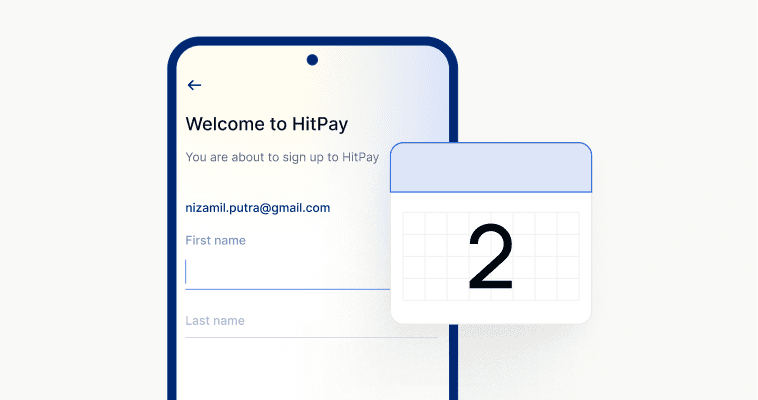
Approval in 1–2 working days

Download the HitPay App from the Google Play Store

Enable Tap to Pay in your app settings

Ask customer to tap card or phone to your Android device

Transaction is completed instantly and securely

A simple light blue shape with a soft gradient against a white background.

How to set up Tap to Pay in Malaysia

Get in touch to create your HitPay accountContact us

Approval in 1–2 working days

Download the HitPay App from the Google Play Store

Enable Tap to Pay in your app settings

Ask customer to tap card or phone to your Android device

Transaction is completed instantly and securely

A simple light blue shape with a soft gradient against a white background.

How to set up Tap to Pay in Malaysia

Get in touch to create your HitPay accountContact us

Approval in 1–2 working days

Download the HitPay App from the Google Play Store

Enable Tap to Pay in your app settings

Ask customer to tap card or phone to your Android device

Transaction is completed instantly and securely

A simple light blue shape with a soft gradient against a white background.

How to set up Tap to Pay in Malaysia

Get in touch to create your HitPay accountContact us

Approval in 1–2 working days

Download the HitPay App from the Google Play Store

Enable Tap to Pay in your app settings

Ask customer to tap card or phone to your Android device

Transaction is completed instantly and securely

A simple light blue shape with a soft gradient against a white background.

How to set up Tap to Pay in Malaysia

Get in touch to create your HitPay accountContact us

Approval in 1–2 working days

Download the HitPay App from the Google Play Store

Enable Tap to Pay in your app settings

Ask customer to tap card or phone to your Android device

Transaction is completed instantly and securely

Why choose HitPay

Why choose HitPay

Why choose HitPay

Trusted Across Malaysia

Trusted Across Malaysia

Thousands of Malaysian SMEs trust HitPay for secure, efficient payment solutions.

Transparent Pricing

Transparent Pricing

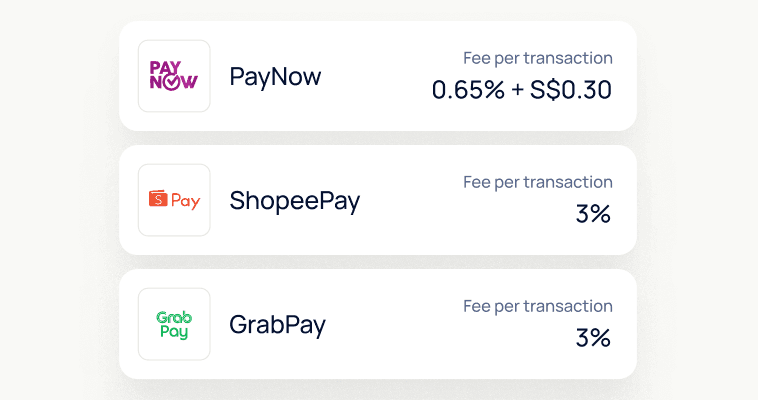
No subscriptions or hidden fees—just a clear and transparent per-transaction rate.

Works Online and Offline

From WooCommerce and Shopify e-commerce plugins to POS, invoicing, and subscriptions—manage it all with one unified system.

“HitPay POS has saved us lots of time and resources with daily automated reports and reconciliation. Our sales SOP is much more efficient now.”

Flag of Singapore: red and white bands with a white crescent moon and five stars in the top left.
Flag of Singapore featuring red and white colors with five stars and a crescent moon on the left.

Travel Agency

Frequently Asked Questions

Frequently Asked Questions

What is Tap to Pay?

Tap to Pay allows your Android device to accept contactless payments from cards or mobile wallets—without any extra equipment.

Is PayWave supported?

Yes! PayWave is fully supported on Tap to Pay, along with Mastercard and Google Pay.

Can I use Tap to Pay on iPhone in Malaysia?

Currently, Tap to Pay is only supported on Android phones in Malaysia.

How do I activate Tap to Pay?

After signing up and getting approved, download the HitPay Android app and enable Tap to Pay in the settings.

What is Tap to Pay?

Tap to Pay allows your Android device to accept contactless payments from cards or mobile wallets—without any extra equipment.

Is PayWave supported?

Yes! PayWave is fully supported on Tap to Pay, along with Mastercard and Google Pay.

Can I use Tap to Pay on iPhone in Malaysia?

Currently, Tap to Pay is only supported on Android phones in Malaysia.

How do I activate Tap to Pay?

After signing up and getting approved, download the HitPay Android app and enable Tap to Pay in the settings.

What is Tap to Pay?

Tap to Pay allows your Android device to accept contactless payments from cards or mobile wallets—without any extra equipment.

Is PayWave supported?

Yes! PayWave is fully supported on Tap to Pay, along with Mastercard and Google Pay.

Can I use Tap to Pay on iPhone in Malaysia?

Currently, Tap to Pay is only supported on Android phones in Malaysia.

How do I activate Tap to Pay?

After signing up and getting approved, download the HitPay Android app and enable Tap to Pay in the settings.

Still have questions?

Contact our team.

Still have questions?

Contact our team.

Still have questions?

Contact our team.