Shopify Payments isn’t available to Philippine stores (Shopify’s supported countries), so you add a third-party payment provider. With HitPay it takes five steps.
| Step | What to do |
|---|---|
| 1 | Create a free HitPay account and complete verification |
| 2 | In Shopify admin, install the HitPay app |
| 3 | Connect your HitPay account |
| 4 | Turn on GCash, QR Ph and cards |
| 5 | Run a test order |
| Payment method | Fee |
|---|---|
| Local cards | 3% + ₱15 |
| International cards | 4% + ₱15 |
| GCash | 2.3% |
| QR Ph | 1% or ₱20, whichever is higher |
| Shopify plugin | +0.5% |
Rates from hitpayapp.com/ph/pricing, excl. VAT. The 0.5% Shopify plugin fee applies on top. Comparing gateways? See the Philippines payment gateway comparison.


HitPay is BSP registered.
Unlike most Shopify payment gateways, HitPay doesn’t charge setup, subscription, or hidden fees — only pay per transaction.
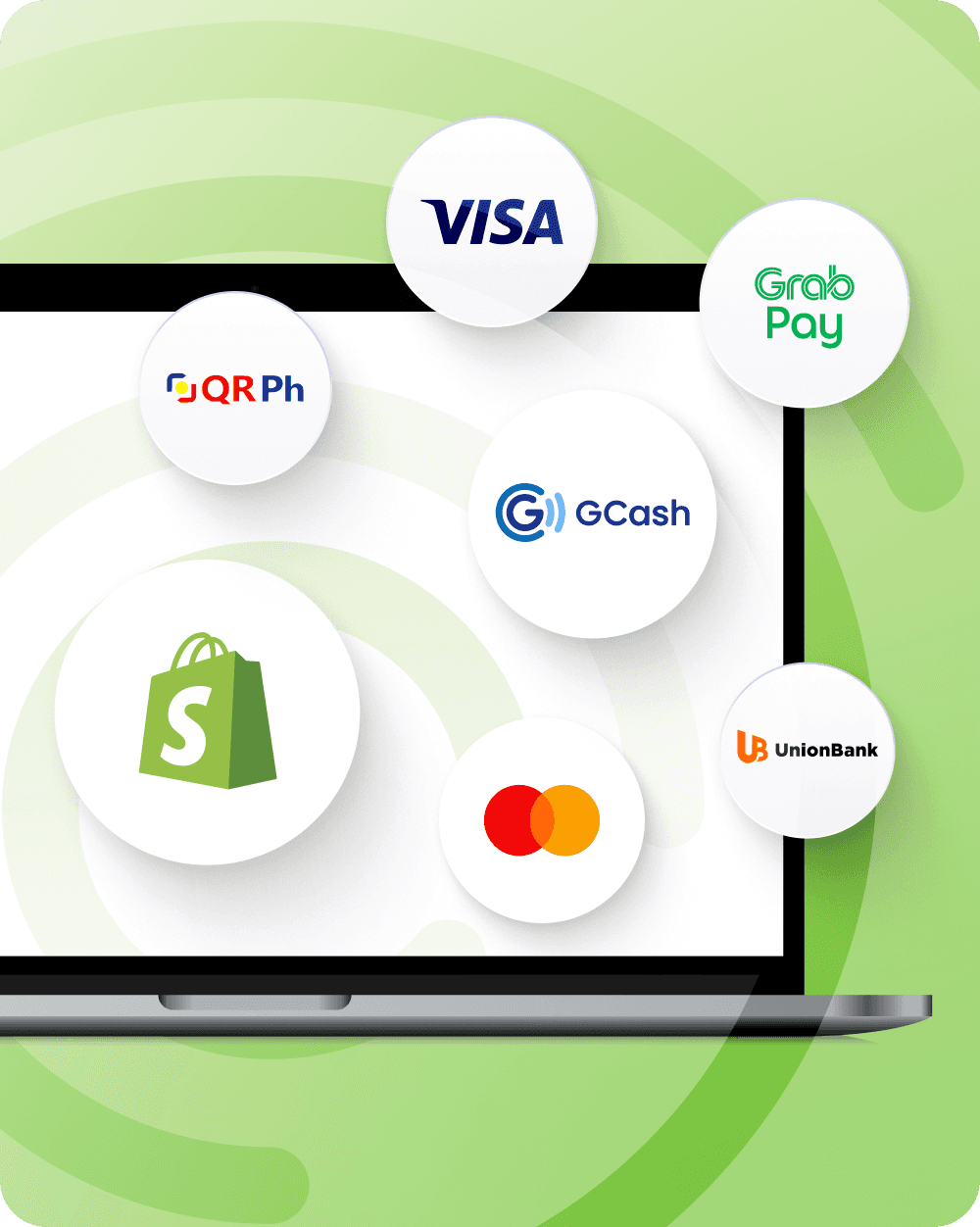
From Visa, Mastercard, and AMEX to GCash, QR Ph, Maya, GrabPay, and BNPL options, HitPay supports a full range of payment methods in the Philippines and worldwide.
Connect HitPay to your Shopify Philippines store in just a few clicks, without the need for coding or technical setup.
All transactions are encrypted and protected by industry-leading fraud prevention measures.
Whether you're a startup or an enterprise, HitPay scales with your Shopify store’s growth.


Does Shopify support GCash in the Philippines?
Shopify does not natively support GCash, but you can enable GCash payments using HitPay’s Shopify integration.
How do I accept GCash on Shopify in the Philippines?
Install the HitPay app, connect your account and enable GCash. GCash is 2.3% per online transaction plus the 0.5% Shopify plugin fee, excluding VAT.
What payment methods does HitPay support for Shopify?
HitPay’s Shopify payment gateway supports a wide range of payment methods in the Philippines, including credit cards, debit cards, Apple Pay, Google Pay, GCash, GrabPay, QR Ph, Maya, BNPL and more. See all our payment methods in the Philippines here.
Are there any setup or monthly fees?
No. HitPay charges zero setup fees and no monthly costs. You only pay a transaction fee for successful payments.
Is HitPay secure?
Yes. HitPay is PCI-DSS compliant and uses advanced fraud detection to protect your business.
How long does it take to integrate HitPay with Shopify?
It takes only a few minutes to integrate HitPay with your Shopify store in the Philippines. HitPay can be installed directly from the Shopify App Store – no coding required.
What are HitPay's fees on Shopify in the Philippines?
Method rates as published on Philippines pricing — online GCash 2.3%, QR Ph 1% or ₱20 whichever is higher, local cards 3% + ₱15 — plus 0.5% for the Shopify Payments App on top of processing.
Can I accept BillEase on Shopify?
Yes, where BillEase is enabled on your Philippine account. BillEase is 1.5% per successful transaction. See BillEase for merchants.
HitPay vs Stripe or Airwallex for Shopify in the Philippines?
Choose HitPay when the job is local rails at Philippine checkout — GCash and QR Ph alongside cards, on published PH rates with no monthly fee. Stripe fits a stack already built on Stripe globally, and Airwallex fits when multi-market treasury is the primary purchase. Check their Philippine coverage on their own sites.
Is Shopify Payments available in the Philippines?
No. Philippine Shopify stores use a third-party provider such as HitPay to accept GCash, QR Ph and cards (Shopify's supported countries).
When do I get paid?
Non-card payments (GCash, QR Ph) pay out T+1 calendar day. Online card payments pay out T+7 calendar days.
Can I use HitPay with Shopify POS in the Philippines?
Yes. The HitPay Terminal app sends each Shopify POS sale to a HitPay All-in-One terminal, where the customer pays by card, QR Ph or GCash, and the order is marked paid in Shopify. Register with the form, install from the link HitPay sends, and make sure your Shopify store currency is PHP.
Still have questions?
Contact our team.