Online
Cross - Border
See Their Success Stories
Discover how businesses are growing with HitPay, through real stories, results, and experiences from our merchants.
See How Merchants Use HitPay
Developer Resources
Explore our comprehensive developer resources designed to enhance your experience. From detailed API documentation to interactive tutorials.

Sell Globally with a Multi-Currency Ecommerce Store
Sell Globally with a Multi-Currency Ecommerce Store
Sell Globally with a Multi-Currency Ecommerce Store
Give your customers a local shopping experience no matter where they are. With HitPay’s multi-currency Ecommerce pricing, you can display prices in local currencies, reduce fees, and boost global conversion rates — without complicated setups.
Give your customers a local shopping experience no matter where they are. With HitPay’s multi-currency Ecommerce pricing, you can display prices in local currencies, reduce fees, and boost global conversion rates — without complicated setups.
Give your customers a local shopping experience no matter where they are. With HitPay’s multi-currency Ecommerce pricing, you can display prices in local currencies, reduce fees, and boost global conversion rates — without complicated setups.
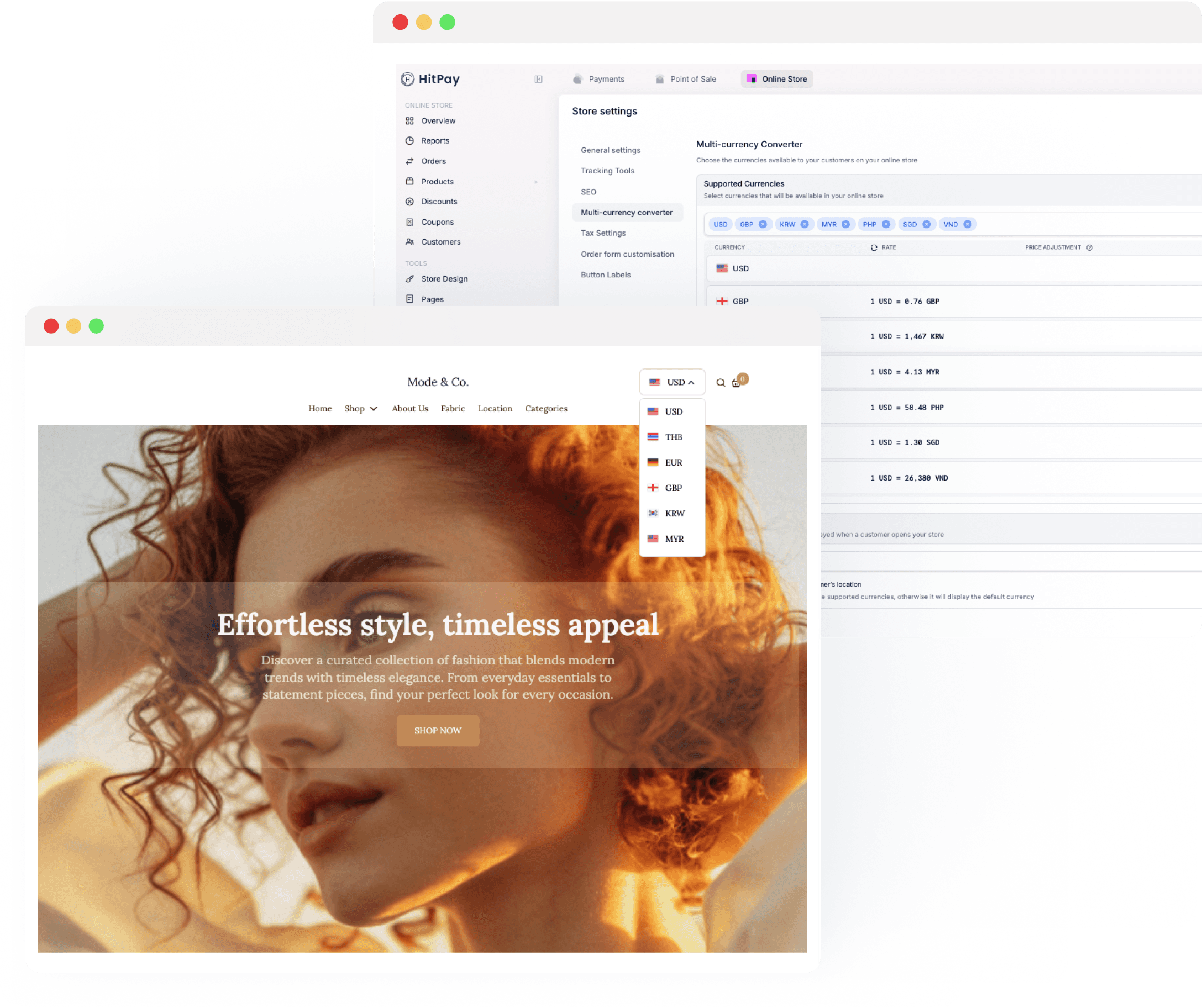
Multi-currency Ecommerce, made simple
Multi-currency Ecommerce, made simple
Multi-currency Ecommerce, made simple
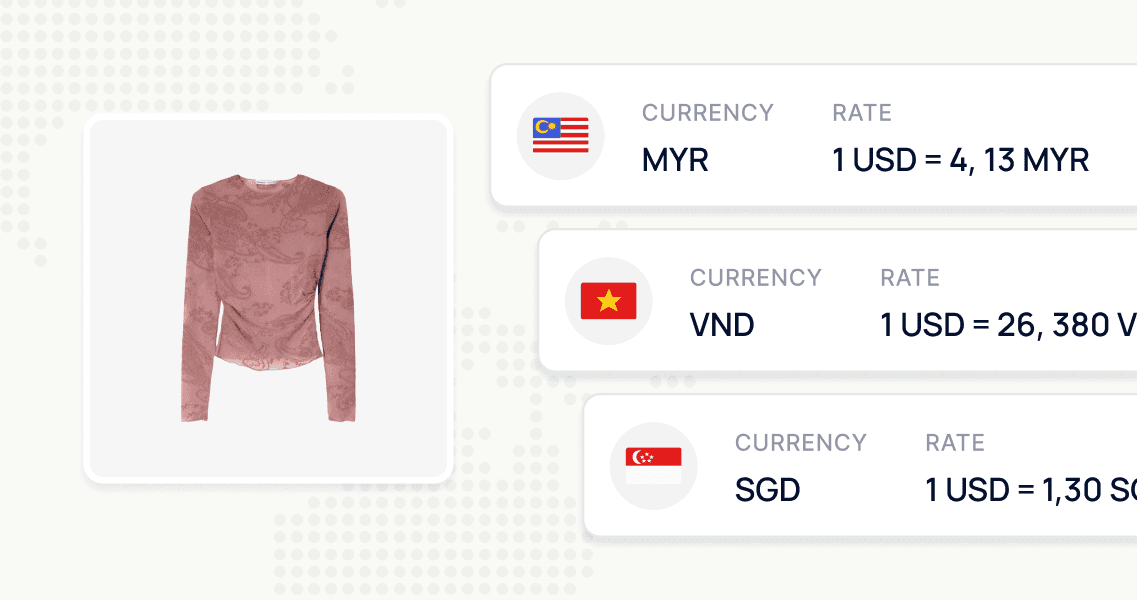
Show prices in your customer’s local currency to build trust instantly
Show prices in your customer’s local currency to build trust instantly
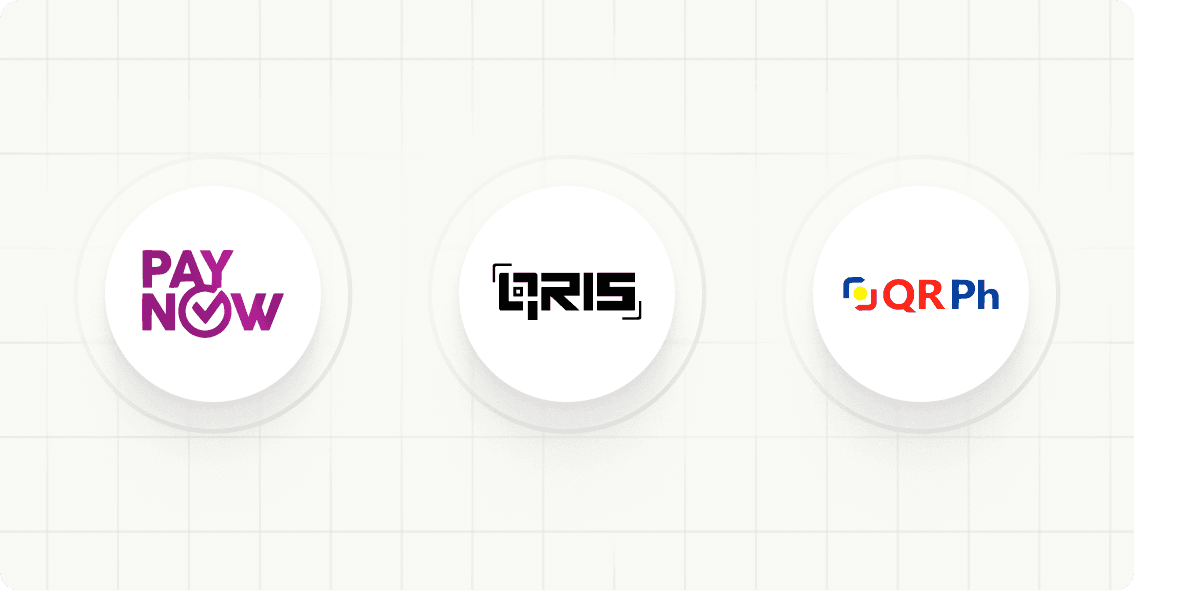
Accept local QR code payments like PayNow, DuitNow, and QR Ph with lower fees than cards.
Accept local QR code payments like PayNow, DuitNow, and QR Ph with lower fees than cards.
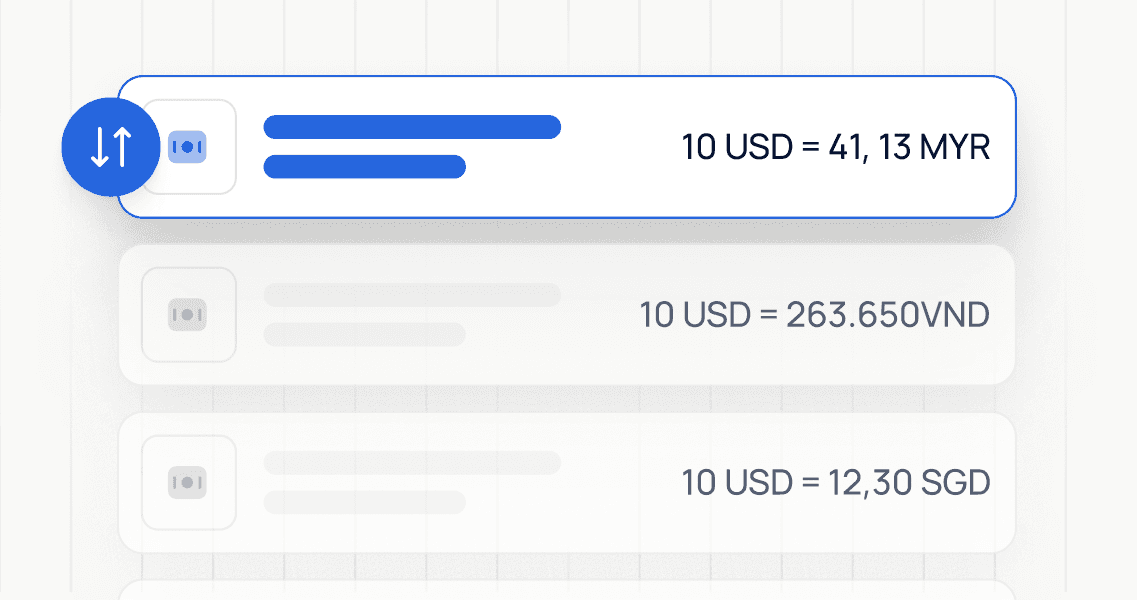
Control FX rates manually or automatically with markup and rounding options.
Control FX rates manually or automatically with markup and rounding options.

Expand into new markets without needing local bank accounts or entities.
Expand into new markets without needing local bank accounts or entities.
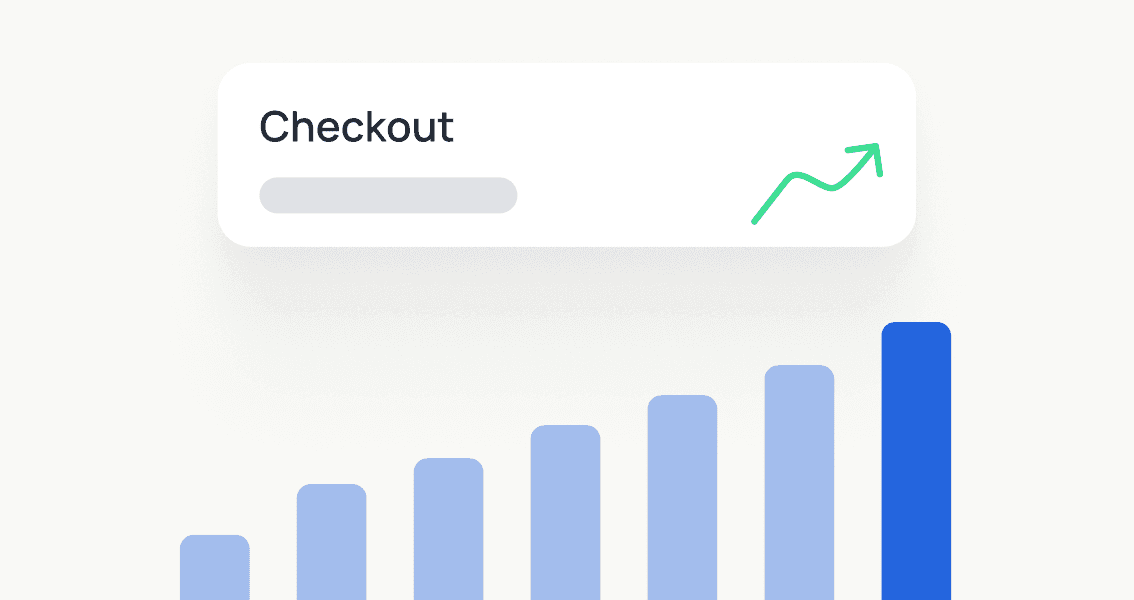
Reduce abandoned carts caused by currency confusion and surprise fees.
Reduce abandoned carts caused by currency confusion and surprise fees.

Try a demo
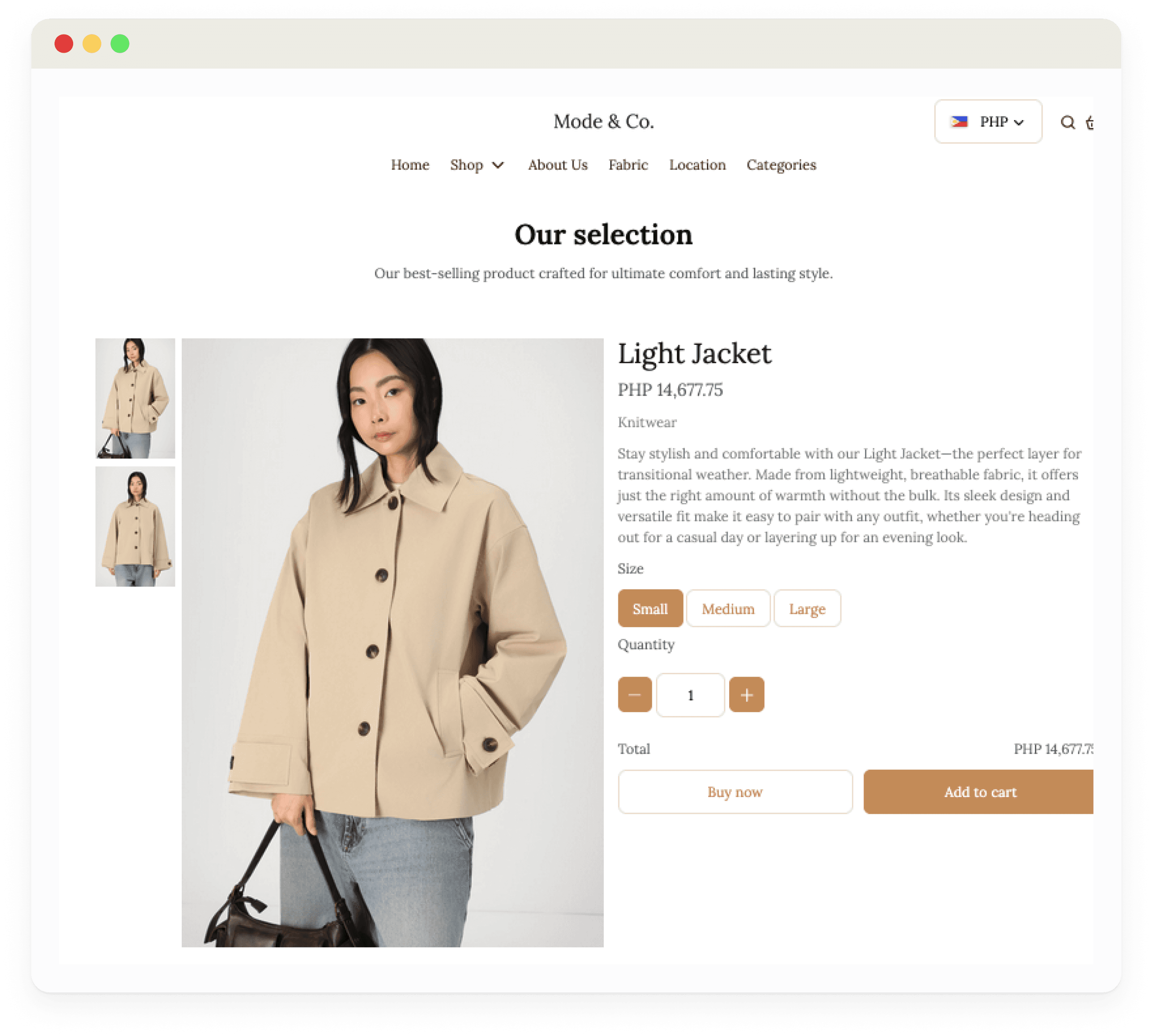
See how your business can sell globally with a fully functional, multi-currency store. Browse products, test checkout, and experience the customer journey.
Try a demo
See how your business can sell globally with a fully functional, multi-currency store. Browse products, test checkout, and experience the customer journey.
Try a demo
See how your business can sell globally with a fully functional, multi-currency store. Browse products, test checkout, and experience the customer journey.

How Multi-Currency Ecommerce Pricing works
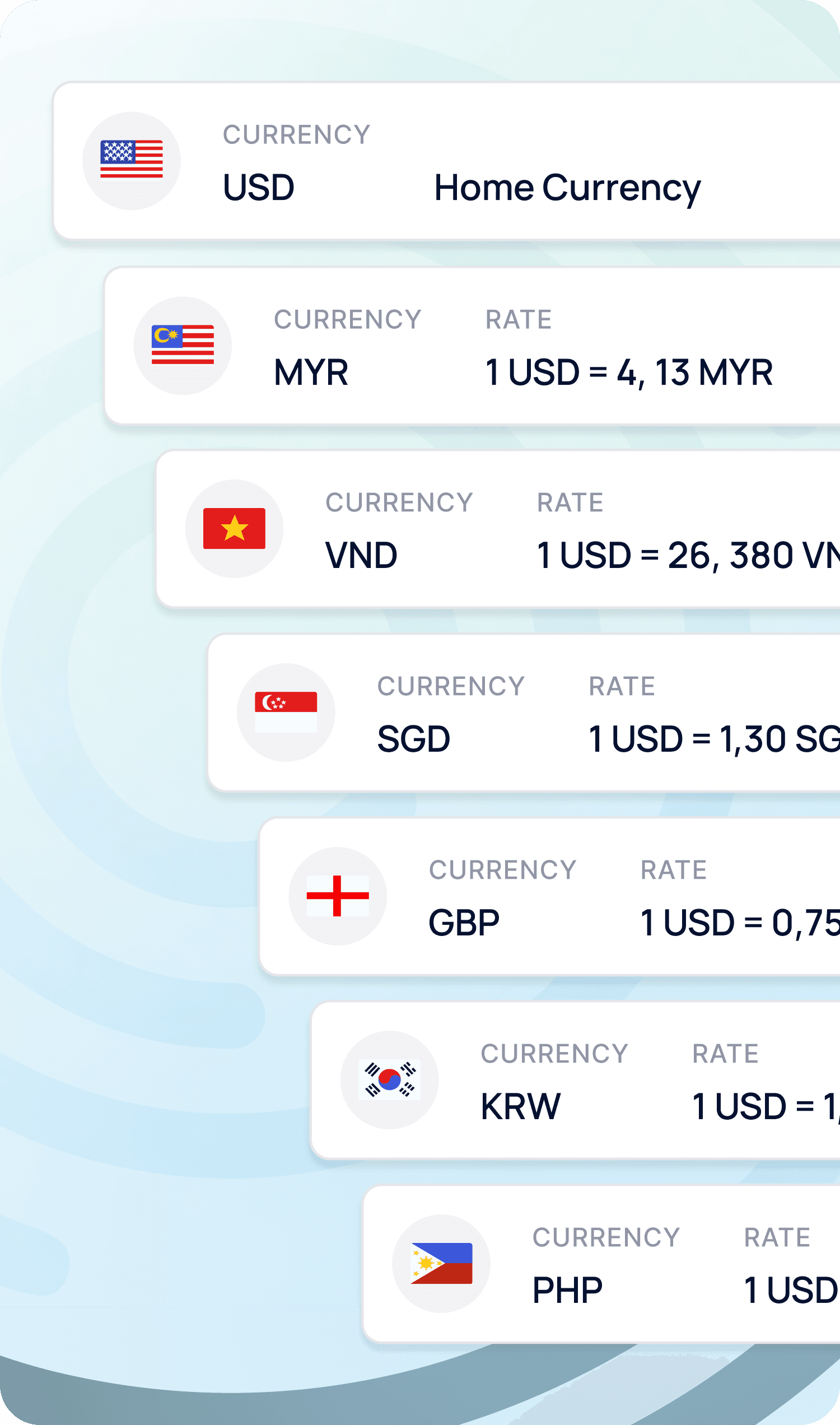
Enable Multi-Currency: Go to Store Settings > Multi-Currency Converter and choose the currencies you want to support.
Set FX Rates Your Way: Use real-time automatic updates or set fixed manual rates. Add markup or rounding as needed.
Display Local Prices: Automatically let the system detect your customer’s currency or set a default one globally.
Accept Local QR Payments: Customers can pay using QR methods familiar to them, reducing fees and increasing trust.
Get Paid with Confidence: View both local and base currency in reports, with full visibility into each transaction.
How Multi-Currency Ecommerce Pricing works
Enable Multi-Currency: Go to Store Settings > Multi-Currency Converter and choose the currencies you want to support.
Set FX Rates Your Way: Use real-time automatic updates or set fixed manual rates. Add markup or rounding as needed.
Display Local Prices: Automatically let the system detect your customer’s currency or set a default one globally.
Accept Local QR Payments: Customers can pay using QR methods familiar to them, reducing fees and increasing trust.
Get Paid with Confidence: View both local and base currency in reports, with full visibility into each transaction.
How Multi-Currency Ecommerce Pricing works
Enable Multi-Currency: Go to Store Settings > Multi-Currency Converter and choose the currencies you want to support.
Set FX Rates Your Way: Use real-time automatic updates or set fixed manual rates. Add markup or rounding as needed.
Display Local Prices: Automatically let the system detect your customer’s currency or set a default one globally.
Accept Local QR Payments: Customers can pay using QR methods familiar to them, reducing fees and increasing trust.
Get Paid with Confidence: View both local and base currency in reports, with full visibility into each transaction.
How Multi-Currency Ecommerce Pricing works
Enable Multi-Currency: Go to Store Settings > Multi-Currency Converter and choose the currencies you want to support.
Set FX Rates Your Way: Use real-time automatic updates or set fixed manual rates. Add markup or rounding as needed.
Display Local Prices: Automatically let the system detect your customer’s currency or set a default one globally.
Accept Local QR Payments: Customers can pay using QR methods familiar to them, reducing fees and increasing trust.
Get Paid with Confidence: View both local and base currency in reports, with full visibility into each transaction.
Why choose HitPay for
multi-currency checkouts?
Why choose HitPay for
multi-currency checkouts?
Why choose HitPay for
multi-currency checkouts?



Montly platform fee
$0 platform fee
~$29-$399+/mo
Free core + hosting ($10-$100+/mo)
~$17-$159/mo
~$5-$105/mo
customers can pay in their local currency
Yes - built in
Yes (via add-ons/ Shopify Markets)
Yes (requires plugins)
Display only (no local checkout)
Display only (no local checkout)
foreign exchange (fx) fees
1%
~1.5-2%
Varies by gateway & plugins
N/A
N/A
local payment methods (e-wallets, banking apps)
Yes - built in
Yes (via additional gateways)
Yes (via plugins & gateways)
No
No
Monthly platform fee
$0 platform fee
Customers can pay in their local currency
Yes – built in
Foreign exchange (FX) fees
1%
Local payment methods (e-wallets, banking apps)
Yes – built-in
Monthly platform fee
~$29-$399+/mo
Customers can pay in their local currency
Yes (via add-ons/ Shopify Markets)
Foreign exchange (FX) fees
~1.5-2%
Local payment methods (e-wallets, banking apps)
Yes (via additional gateways)
Monthly platform fee
Free core + hosting ($10-$100+/mo)
Customers can pay in their local currency
Yes (requires plugins)
Foreign exchange (FX) fees
Varies by gateway & plugins
Local payment methods (e-wallets, banking apps)
Yes (via plugins & gateways)
Monthly platform fee
~$17-$159/mo
Customers can pay in their local currency
Display only (no local checkout)
Foreign exchange (FX) fees
N/A
Local payment methods (e-wallets, banking apps)
No
Monthly platform fee
~$5-$105/mo
Customers can pay in their local currency
Display only (no local checkout)
Foreign exchange (FX) fees
N/A
Local payment methods (e-wallets, banking apps)
No
Join thousands of businesses using HitPay
Join thousands of businesses using HitPay
Join thousands of businesses using HitPay
Trusted and secure
Trusted and secure
HitPay is PCI-DSS compliant and backed by enterprise-grade security protocols.
Transparent Pricing
Transparent Pricing
No hidden fees — just clear, competitive rates that scale with your business.
Omni-channel Integration
Omni-channel Integration
HitPay supports your business across online stores, APIs, POS, and even payment links — all with multi-currency support.
Frequently Asked Questions
Frequently Asked Questions
How do I enable Multi-Currency for my store?
Go to Online Shop -> Store Settings -> Multi-Currency Converter and add the currencies you want to support.
Can I set my own exchange rates?
You can choose between automatic (real-time FX updates) or manual (custom fixed rates) per currency.
Can I apply a markup to FX rates?
Yes. You can add a percentage markup to cover FX fees or fluctuations.
How is the default currency set?
You can choose a default currency or let the system detect the shopper’s local currency automatically.
Will prices always match at checkout?
Yes. Prices are calculated using the configured FX rate and markup at the time of checkout.
Can I round off prices for each currency?
Yes. You can enable rounding to predefined values (e.g., 0.10 for SGD, 1.00 for JPY) for a cleaner display.
How are currencies shown in order emails?
Customers see the amount in their checkout currency, and you can see both checkout and home currency equivalents.
Still have questions?
Contact our team.

Sell Globally with Multi-Currency Pricing
Start offering multi-currency pricing, local QR payments, and better checkout experiences today with HitPay.
Sell Globally with Multi-Currency Pricing
Start offering multi-currency pricing, local QR payments, and better checkout experiences today with HitPay.
Sell Globally with Multi-Currency Pricing
Start offering multi-currency pricing, local QR payments, and better checkout experiences today with HitPay.
Sell Globally with Multi-Currency Pricing
Start offering multi-currency pricing, local QR payments, and better checkout experiences today with HitPay.
Sell Globally with Multi-Currency Pricing
Start offering multi-currency pricing, local QR payments, and better checkout experiences today with HitPay.