

HitPay is regulated by the BSP and endorsed by the DTI for e-payments.
Enjoy clear, pay-as-you-go pricing for each ShopeePay transaction, with no setup fees or hidden costs.
Besides ShopeePay, HitPay supports other payment methods like GCash, QR Ph, credit cards, and online banking.
ShopeePay is supported on HitPay’s payment tools, including POS readers, e-commerce plugins for Shopify, WooCommerce, and more. No coding required.
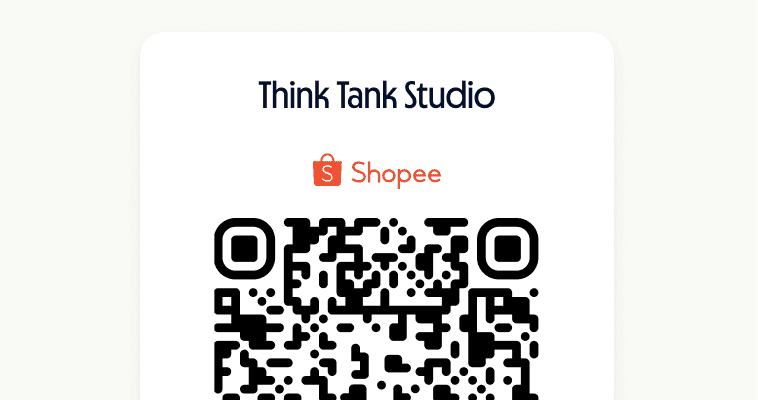
Generate a ShopeePay QR code using the HitPay mobile app. Customers can scan the code with their Shopee app to complete payment.
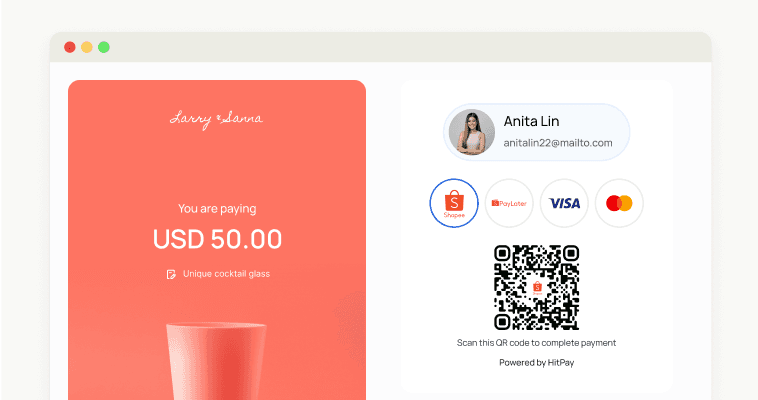
Integrate ShopeePay into your e-commerce store with HitPay’s payment gateway, providing customers with a seamless checkout experience.
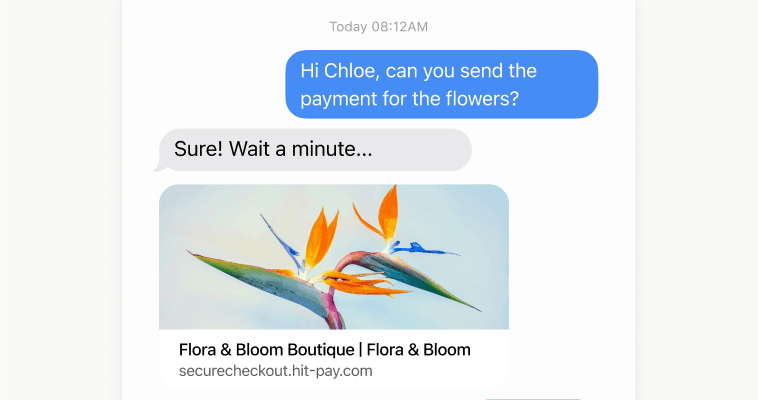
Share payment links via email, messaging apps, or social media to let customers pay using ShopeePay.

What is ShopeePay, and how does it work for businesses?
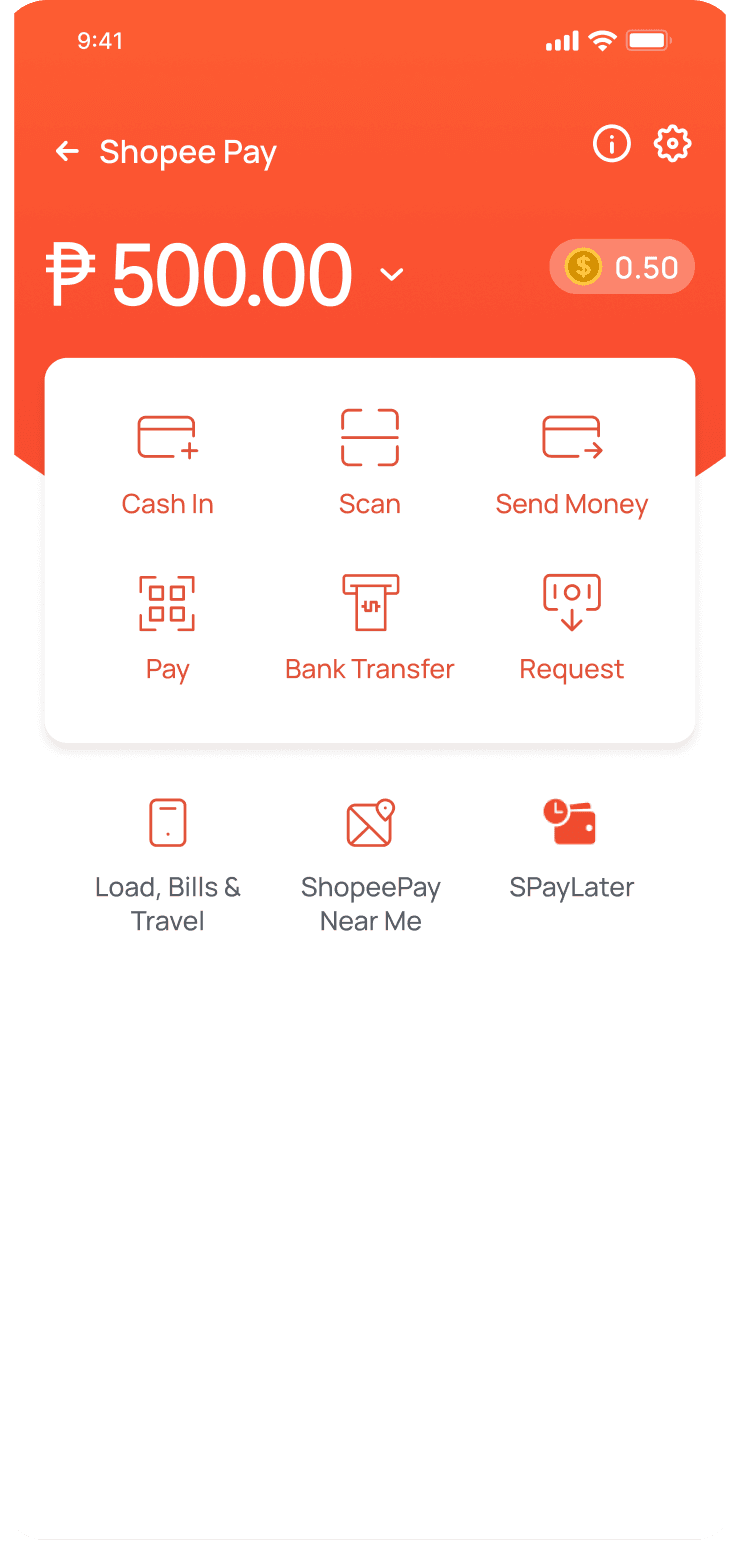
ShopeePay is a digital wallet by Shopee that allows users to make secure, cashless payments for online and offline purchases, as well as transfer funds to other e-wallets like GCash.
How to use ShopeePay for my business?
You can accept ShopeePay payments in-store using QR codes, online via e-commerce integration, or through payment links for remote transactions.
How to activate ShopeePay for my business?
Sign up for a free HitPay account, link your bank account, and enable ShopeePay through the HitPay dashboard. Setup is fast, easy, and requires no technical expertise.
How do I transfer ShopeePay to GCash?
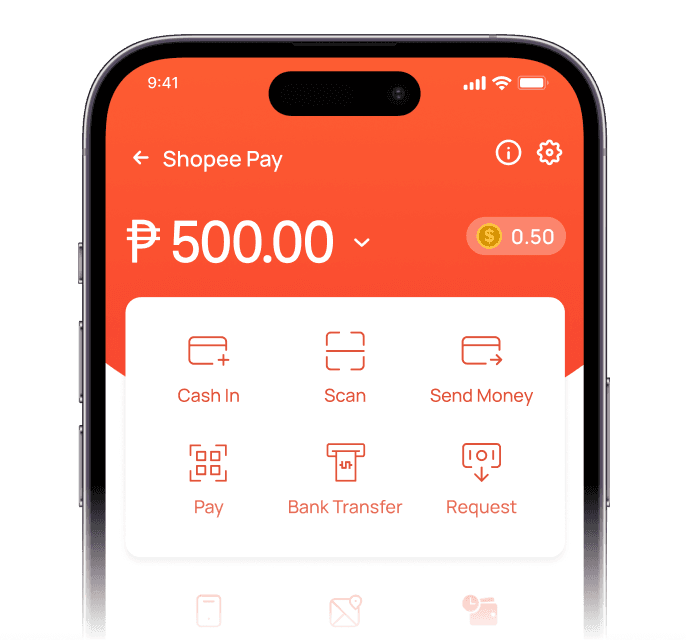
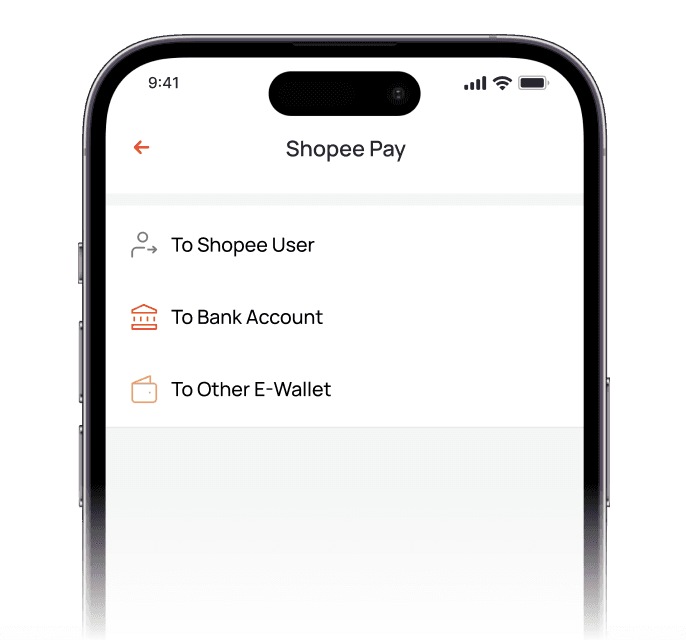
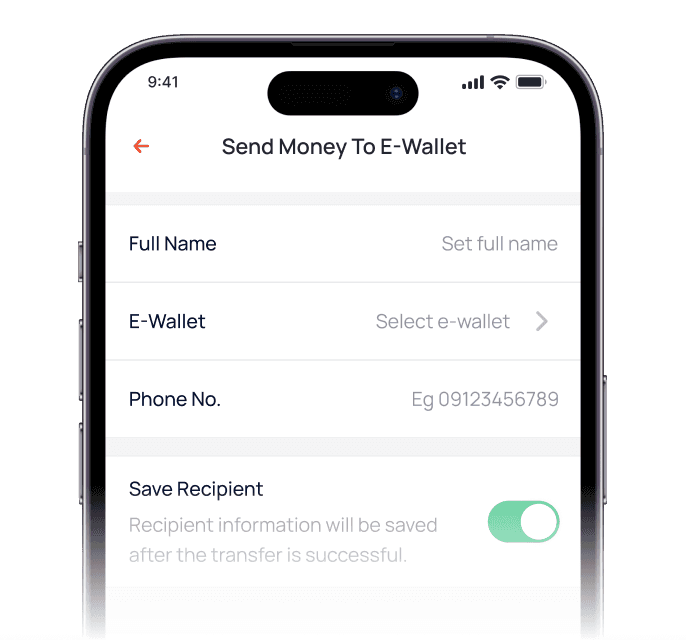
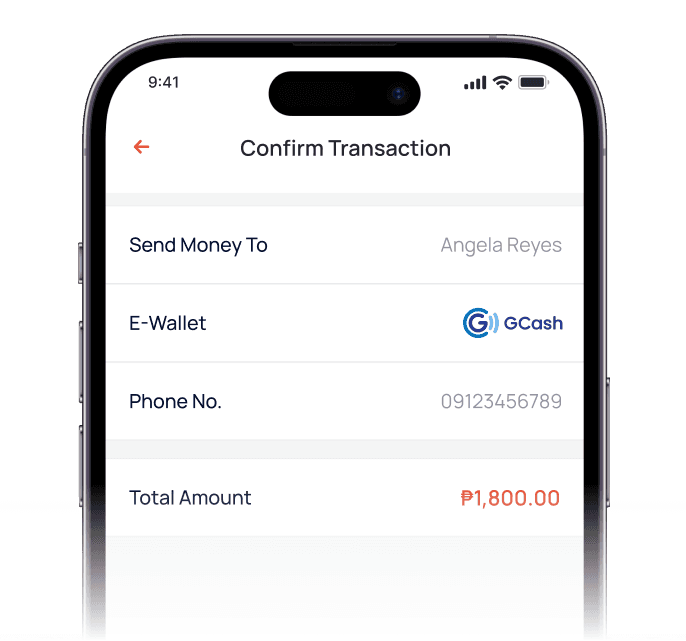
To transfer funds, log in to ShopeePay, select ‘Send Money,’ enter the recipient’s GCash details, and confirm the transaction.
How do I receive funds collected via ShopeePay?
ShopeePay funds are transferred directly to your linked bank account according to HitPay’s settlement schedule.
Still have questions?
Contact our team.
