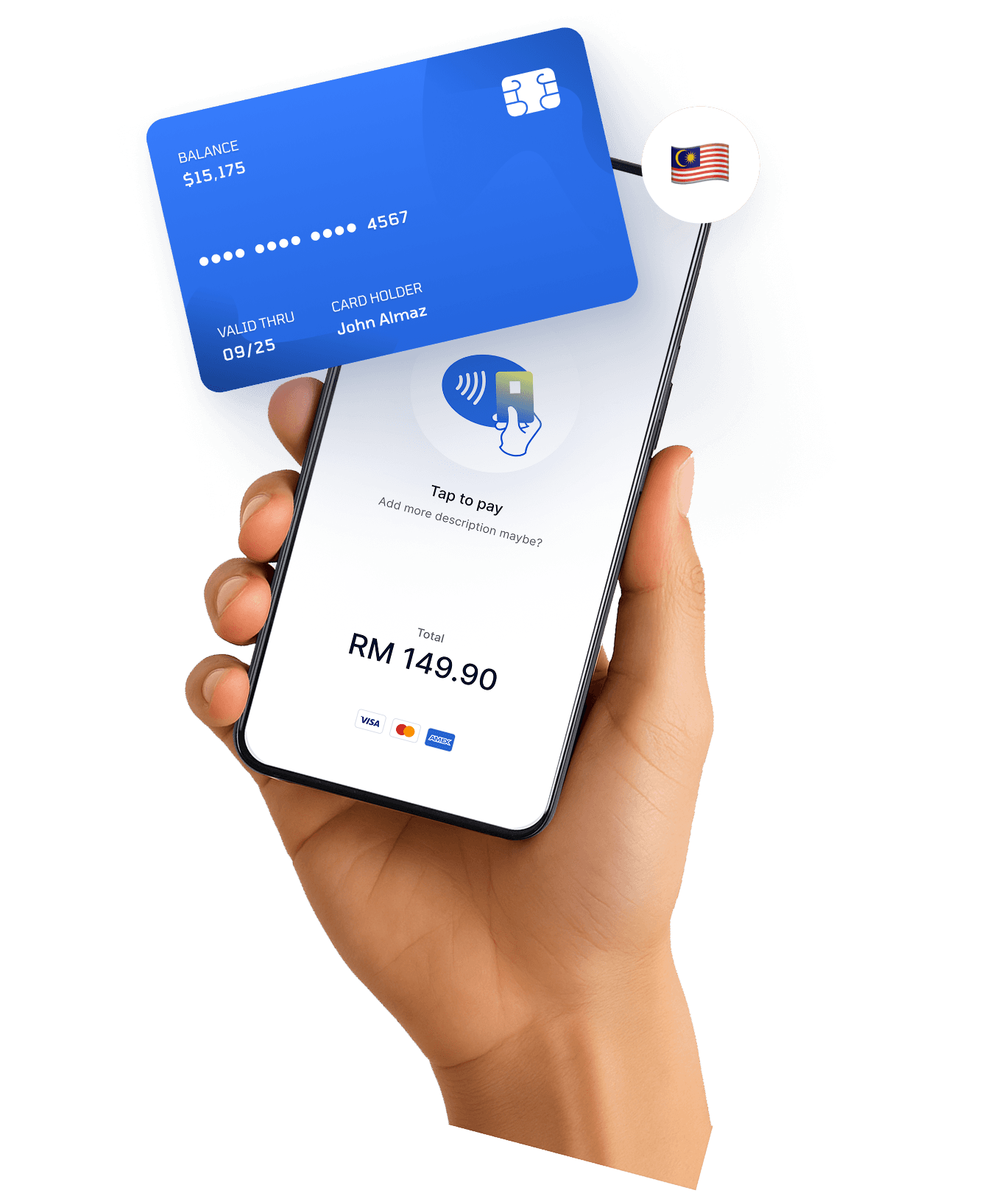
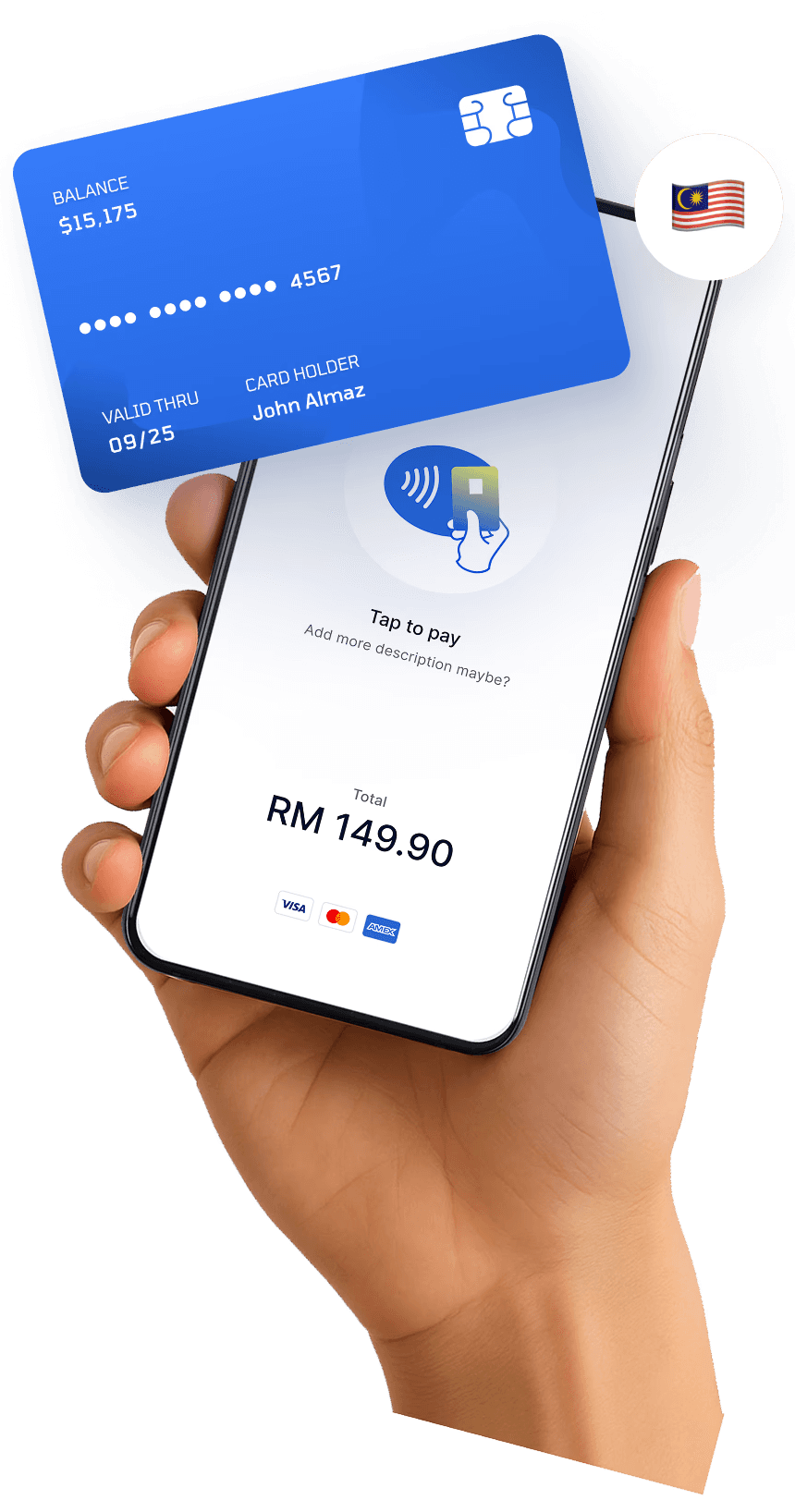

Accept PayWave directly from your Android device
Visa, Mastercard and Google Pay
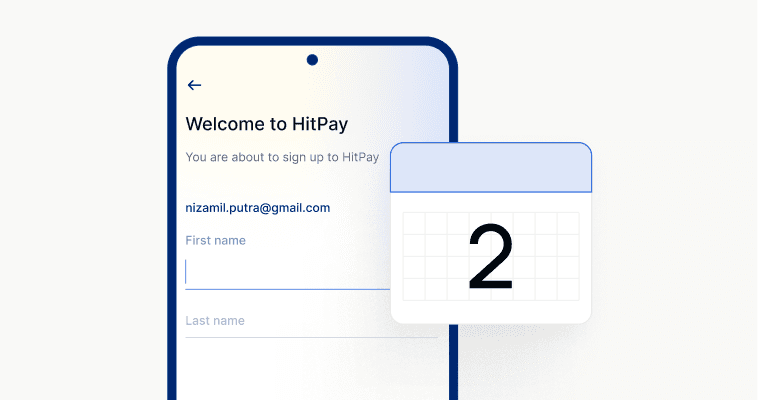
Approval in 1–2 working days
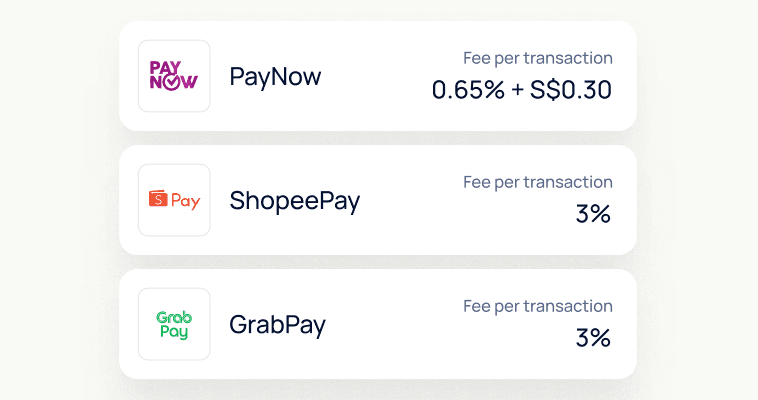
Only pay per transaction. Domestic cards are 1.2% + RM1 and international cards are 3% + RM1 per Tap to Pay payment. No setup fee, no monthly fee and no card reader to buy.

Fast, secure checkouts with no cash handling

Thousands of Malaysian SMEs trust HitPay for secure, efficient payment solutions.
No subscriptions or hidden fees—just a clear and transparent per-transaction rate.
Works Online and Offline
From WooCommerce and Shopify e-commerce plugins to POS, invoicing, and subscriptions—manage it all with one unified system.

What is Tap to Pay?
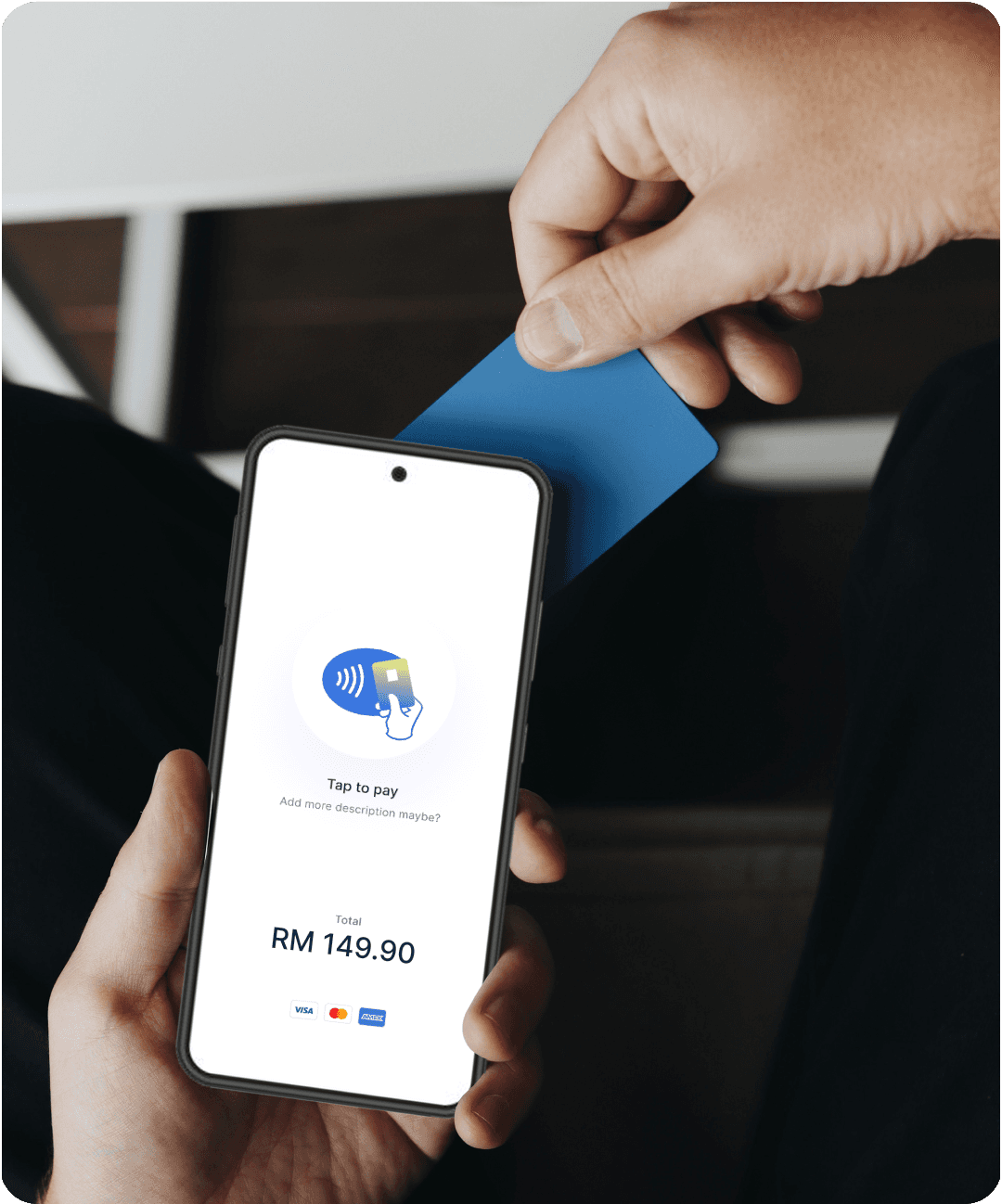
Tap to Pay allows your Android device to accept contactless payments from cards or mobile wallets—without any extra equipment.
Is PayWave supported?
Yes. Customers can tap Visa (PayWave) and Mastercard contactless cards, or pay with Google Pay.
Can I use Tap to Pay on iPhone in Malaysia?
Yes. Tap to Pay on iPhone is also available in Malaysia on an iPhone XS or later running iOS 18 or later, with HitPay app 4.8.1 or later. See Tap to Pay on iPhone.
How do I activate Tap to Pay?
After signing up and getting approved, download the HitPay Android app and enable Tap to Pay in the settings.
What phone do I need?
You need an Android phone running Android 11 or later with working NFC, Google Play Store installed, and an internet connection. Rooted phones aren’t supported. See supported phones.
Still have questions?
Contact our team.