
| In-person method (Tap to Pay and HitPay terminals) | HitPay fee |
|---|---|
| Domestic cards | 2.5% + S$0.50 |
| International cards | 3.2% + S$0.50 |
| PayNow | 0.4% (min S$0.10) |
| GrabPay | 2.2% |
| ShopeePay | 1.8% |
| WeChat Pay | 1.5% |
| Atome | 5.5% |
| Tap to Pay app | Free · iOS and Android |
| Optional hardware (one-time, no rental) | WisePad 3 SGD 85 · other hardware on /sg/pricing |
| POS software add-on (optional) | 0.2% |
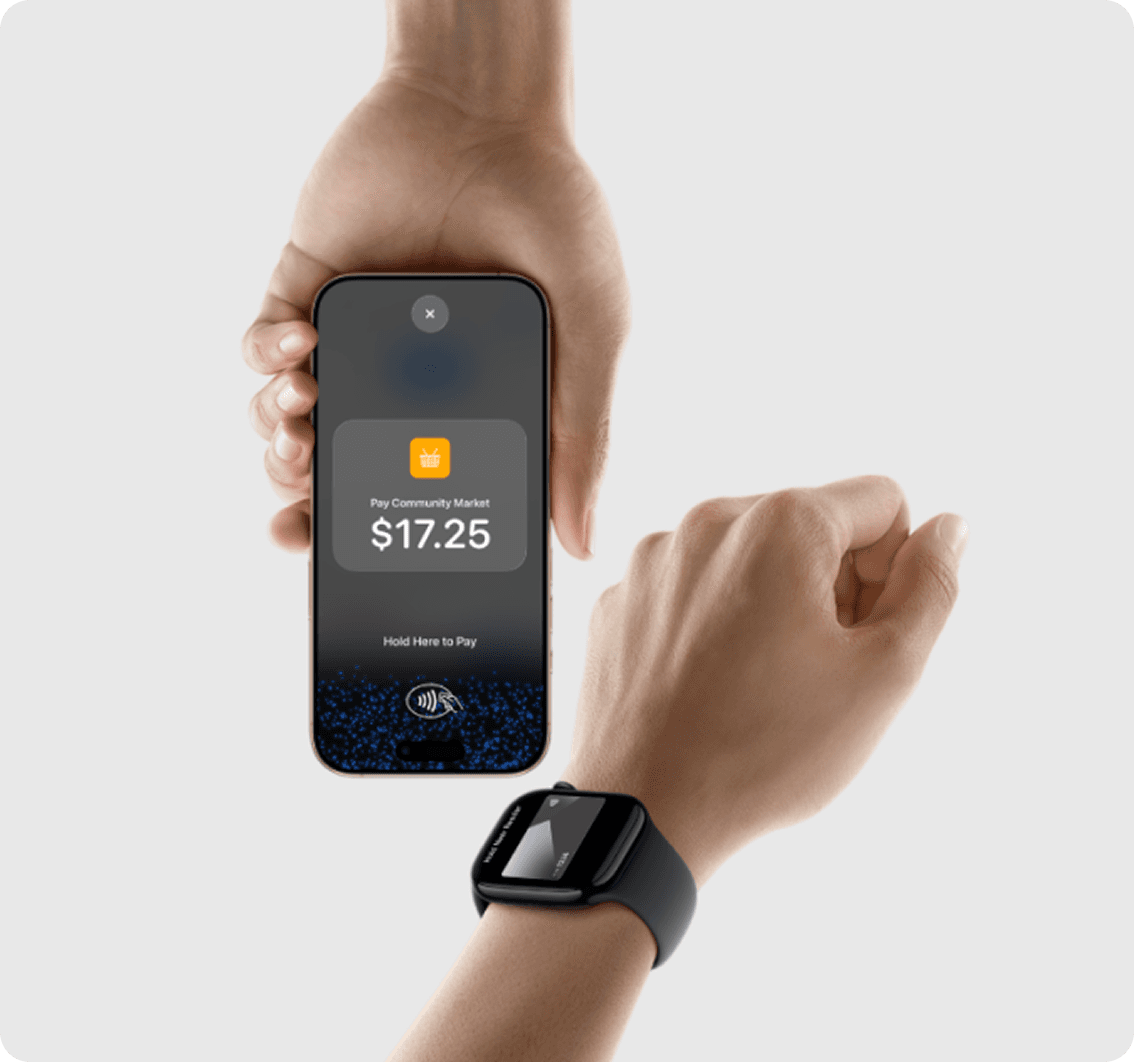
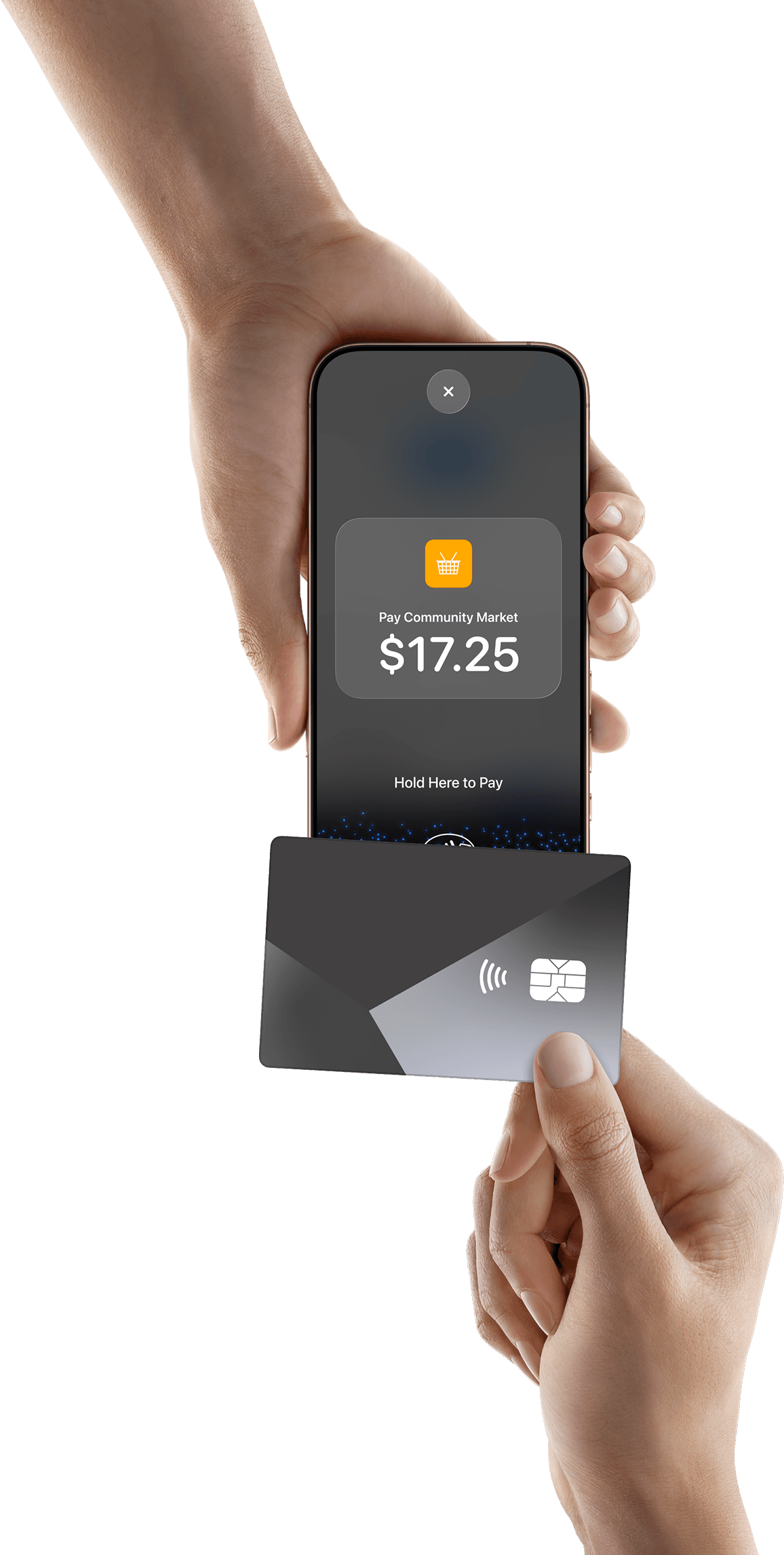
With Tap to Pay on iPhone, anyone can do business in more places simply by accepting contactless payments right on iPhone. The checkout experience makes it easy to reach new customers and take payments on the go. All you need is iPhone and the HitPay app.
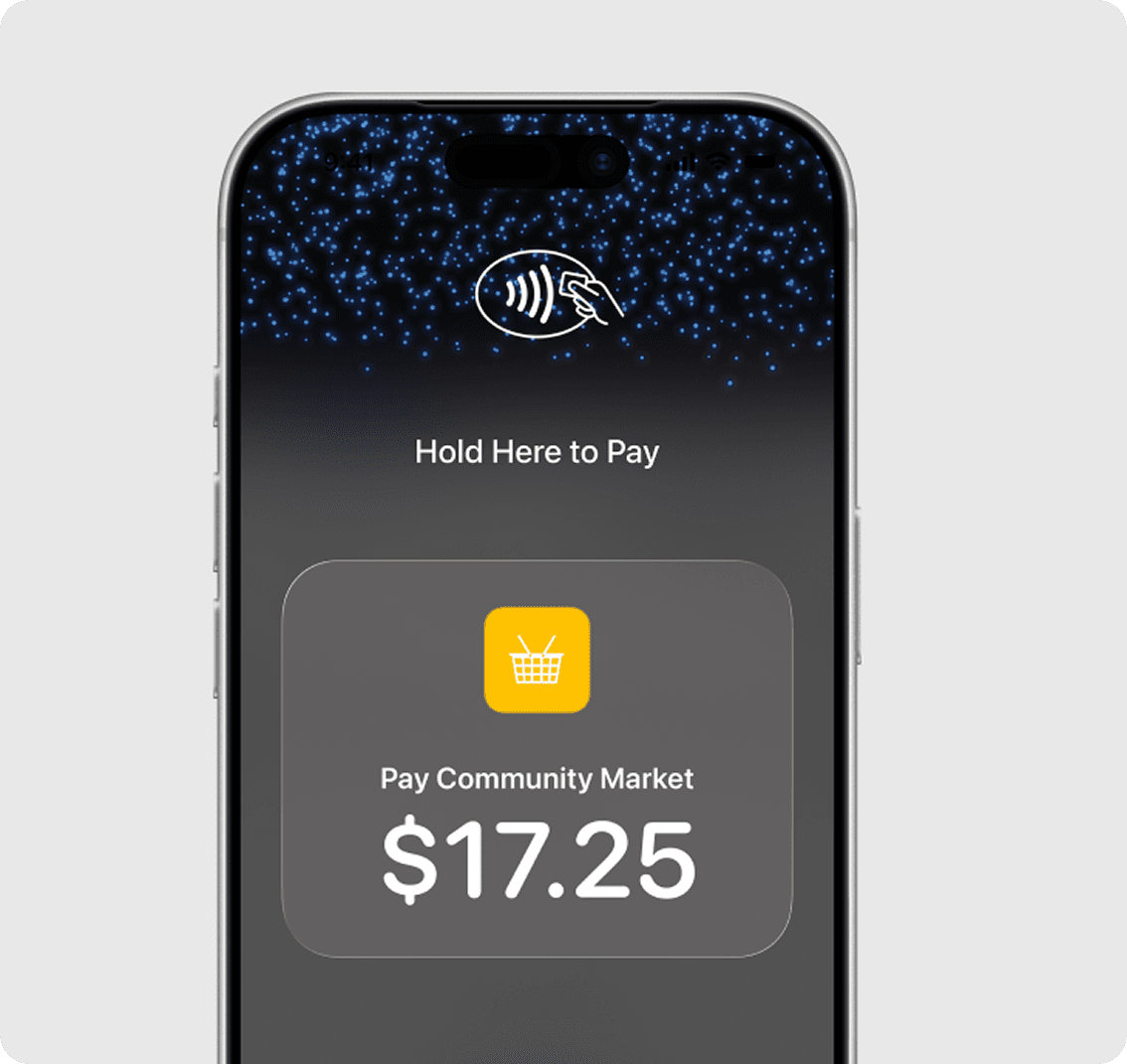
There is no reader to buy or manage. Tap to Pay is listed as free on HitPay’s Singapore pricing, with no setup fee and no monthly subscription. In-person domestic cards are 2.5% + S$0.50 and international cards are 3.2% + S$0.50 — you pay only when a payment succeeds.
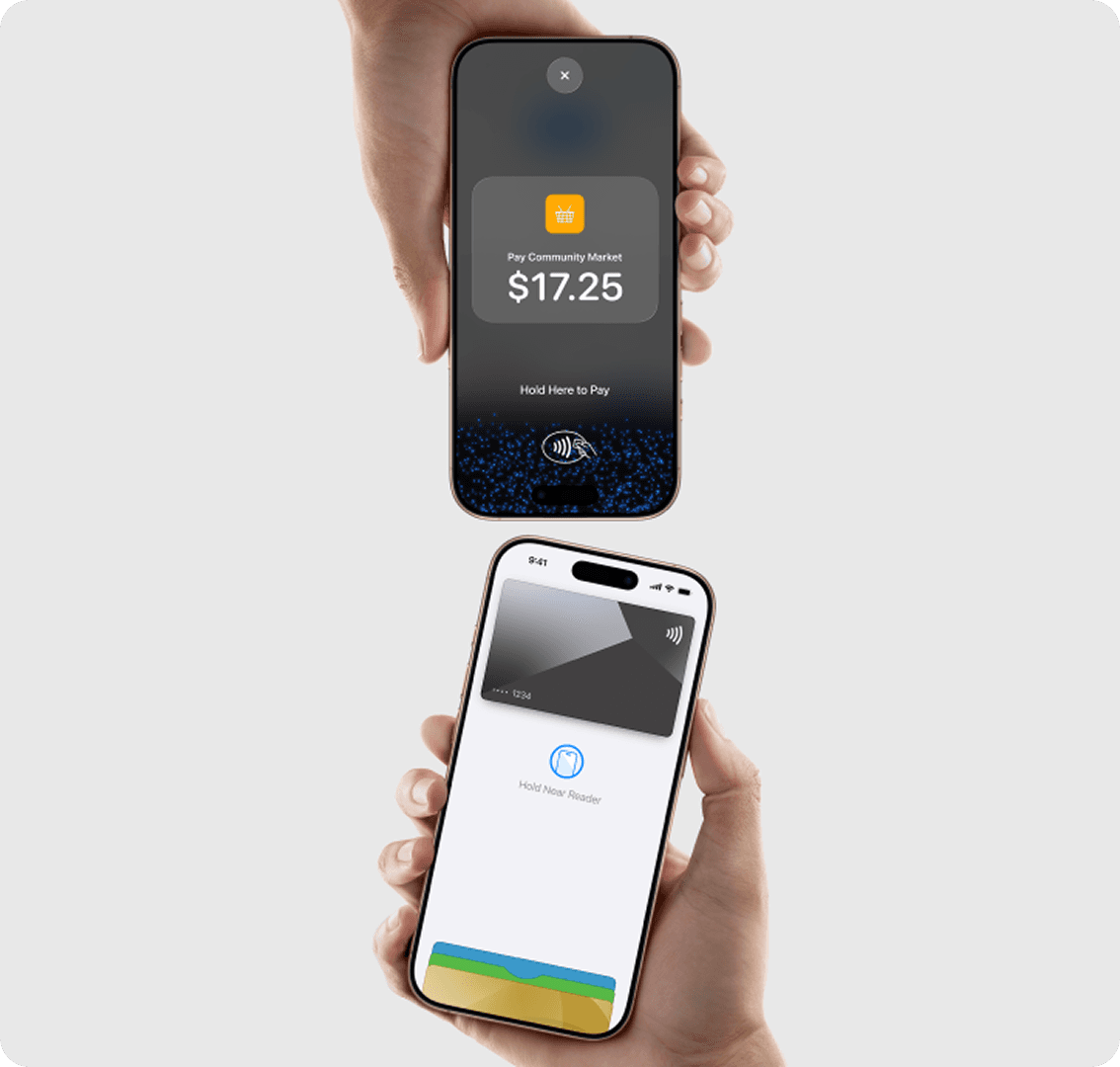
Tap to Pay on iPhone uses the built-in security and privacy features of iPhone. When a payment is processed, Apple doesn’t store card numbers or PIN information on Apple servers — helping to protect your business and customer data. So merchants and customers can rest assured that their data stays theirs.
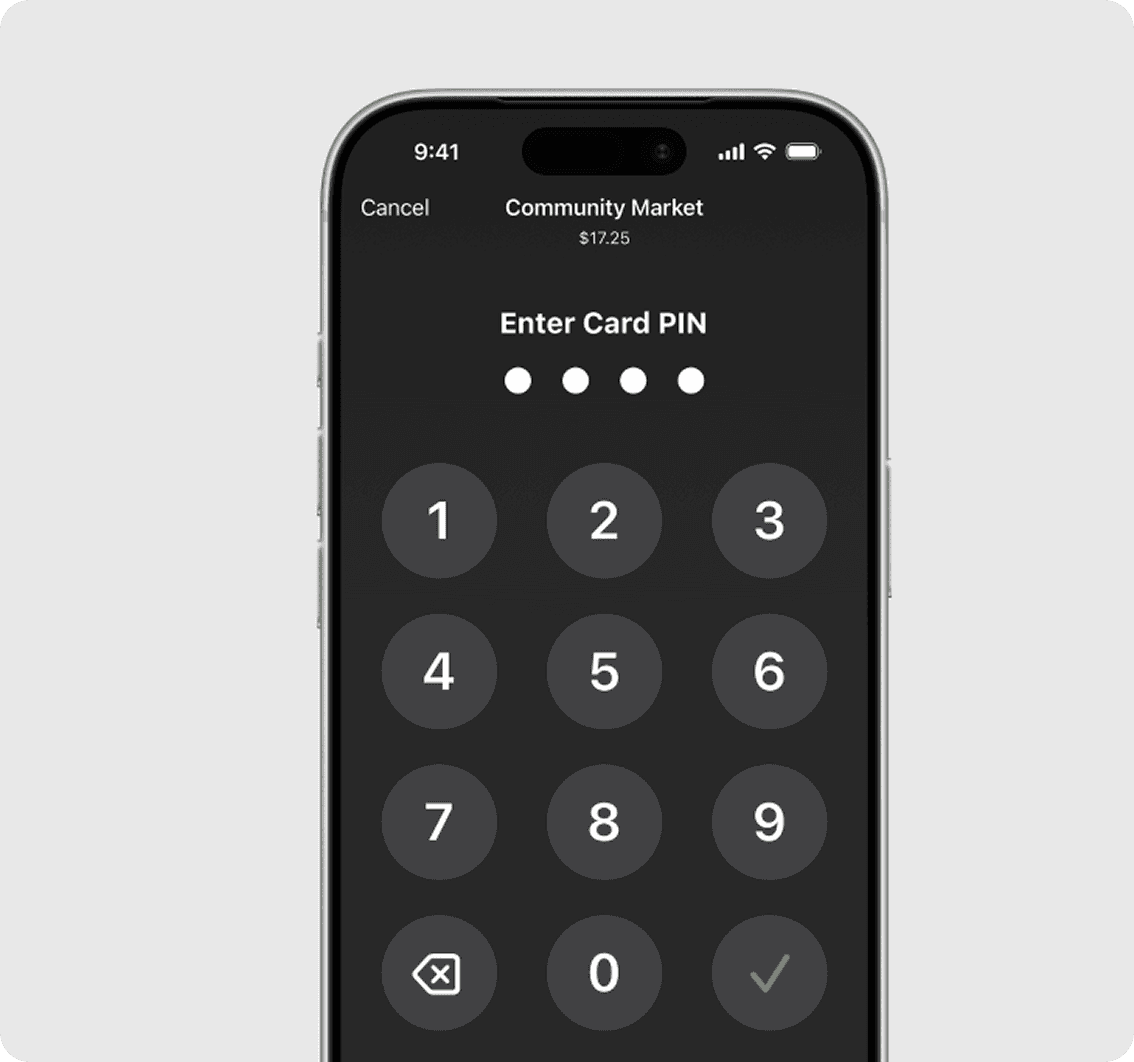
Transactions that require PIN entry will automatically prompt a PIN entry screen when using Tap to Pay on iPhone. During a transaction, Tap to Pay on iPhone is designed to prevent all photo, video, screenshot, and screen recording features on the merchant’s iPhone from capturing a customer’s card number or PIN information.

For customers needing visual or other assistance, accessibility options are built into Tap to Pay on iPhone to help them securely enter PIN information. Audible instructions guide customers to draw their PIN on the screen or tap the screen to indicate each digit — tapping once for 1, twice for 2, and so on. To submit their PIN, they simply swipe right with two fingers.
HitPay vs Airwallex vs Qashier vs KPay vs ePOS: SoftPOS and POS in Singapore
Published pricing as of October 2026, from each provider’s Singapore pages. “TBD” means the provider doesn’t publish it.
| HitPay | Airwallex | Qashier | KPay | ePOS | |
|---|---|---|---|---|---|
| Phone-as-terminal (SoftPOS) | Yes: Tap to Pay on iPhone and Android | Yes: SoftPOS on compatible Android devices | TBD | TBD | TBD (app runs on a phone; card acceptance on phone not stated) |
| iPhone supported | Yes (XS+, iOS 18+) | TBD | TBD | TBD | TBD |
| Card rate (domestic) | 2.5% + S$0.50 | TBD (SoftPOS rate not published) | TBD ("card processing rates are quoted separately") | TBD | TBD |
| Card rate (international) | 3.2% + S$0.50 | TBD | TBD | TBD | TBD |
| Software / subscription | Tap to Pay free; optional POS add-on 0.2% | TBD | $5/day all-in (excl. GST) | "$0 subscription fee" | EPOS360 Grow from SGD 50 (12-month plan) |
| Hardware | None needed; WisePad 3 SGD 85 optional | None for SoftPOS | QashierX2 +$1/day; XL SLIM +$1.50/day; terminal included if 2 years paid upfront | Portable terminal (price TBD) | EPOS360 BlueTap SGD 150 one-time |
| PayNow at the counter | 0.4% (min S$0.10) | TBD | TBD | TBD | TBD |
| Same account as online checkout / links | Yes | Yes (Airwallex account) | TBD | TBD | TBD |
| MAS licence | MPI PS20200643 | MPI PS20200541 (per their blog) | TBD | MPI (number TBD) | TBD |


Frequently Asked Questions
What do I need for Tap to Pay on iPhone with HitPay?
An iPhone XS or later on iOS 18 or later, the HitPay app version 4.8.1 or later, and a verified HitPay Singapore merchant account. Full setup in the Tap to Pay on iPhone documentation.
How much does Tap to Pay cost on HitPay?
Hardware is free — there is no reader to buy. In-person domestic cards are 2.5% + S$0.50 and international cards 3.2% + S$0.50. See the Singapore pricing page.
Does Tap to Pay work on iPad?
No. HitPay’s documentation states iPhone only.
Is there a monthly fee?
No setup fee and no monthly subscription. You pay per successful transaction.
What can customers pay with?
Contactless physical cards and digital wallets, including Apple Pay. Some cards may prompt for a PIN, and a card needing chip insert will require a physical reader instead.
What if a card needs chip insert?
Use a HitPay terminal such as WisePad 3 (SGD 85), or send the customer a payment link instead.
Is HitPay MAS-licensed?
Yes — Major Payment Institution PS20200643. Details on the licence and registrations page.
What is the best SoftPOS solution in Singapore?
The best SoftPOS depends on your phone and how you sell. HitPay Tap to Pay works on both iPhone (XS or later, iOS 18+) and NFC-enabled Android 11+ phones, has no setup or monthly fee, and charges 2.5% + S$0.50 for domestic cards and 3.2% + S$0.50 for international cards, with PayNow QR at 0.4% in the same app. Airwallex offers SoftPOS on compatible Android devices; Qashier, KPay and ePOS focus on POS terminals and subscriptions. Compare published fees in the table above.
What is SoftPOS, and is it the same as Tap to Pay?
SoftPOS (software point of sale) is an app that turns an NFC-enabled phone into a contactless card terminal, with no separate card reader. Tap to Pay on iPhone and Tap to Pay on Android are SoftPOS technologies. HitPay supports both in Singapore.
Can I use HitPay Tap to Pay on an Android phone in Singapore?
Yes. HitPay Tap to Pay on Android works on NFC-enabled, non-rooted phones running Android 11 or later with Google Play services. Fees are the same as on iPhone: 2.5% + S$0.50 for domestic cards and 3.2% + S$0.50 for international cards.
HitPay vs Qashier vs KPay vs ePOS vs Airwallex: which POS should a Singapore business choose?
If you want to start on the phone you already own with no subscription, HitPay Tap to Pay is free to use and you pay only per transaction (2.5% + S$0.50 domestic cards). Add the optional HitPay POS software for 0.2%, or hardware such as WisePad 3 (SGD 85) when you need it. Qashier charges a daily all-in subscription ($5/day excl. GST), KPay advertises a $0 subscription with a portable terminal, and ePOS sells EPOS360 plans from SGD 50. Card rates for Qashier, KPay and ePOS are not published on their pricing pages.
Do I need a card reader to accept cards on my phone in Singapore?
No. With HitPay Tap to Pay, customers tap a contactless card, phone or watch on your iPhone or Android phone. You only need a reader such as WisePad 3 (SGD 85) if customers want to insert a chip card and enter a PIN.
Still have questions?
Contact our team.