

Light to dark blue smooth gradient transition.

Accept Payments on the Simplybook.me Booking Platform with HitPay

Atome QR Code

Payments In-Store

Accept Payments on the Simplybook.me Booking Platform with HitPay

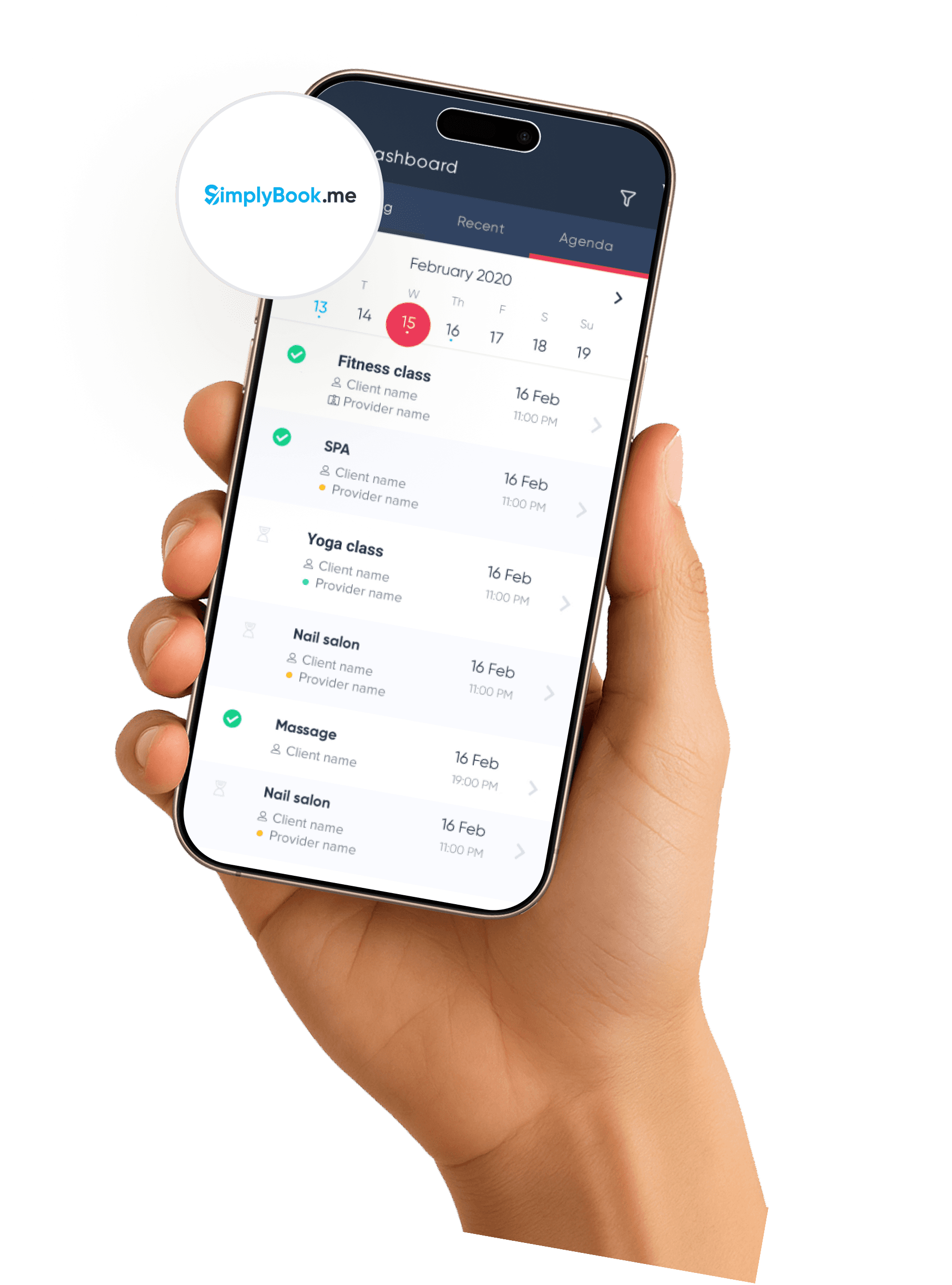
Give your customers a smooth booking and checkout flow. HitPay connects to Simplybook.me so you can collect payments online with secure, user friendly tools for retail, clinics, health and beauty, and more across APAC.

Give your customers a smooth booking and checkout flow. HitPay connects to Simplybook.me so you can collect payments online with secure, user friendly tools for retail, clinics, health and beauty, and more across APAC.

Give your customers a smooth booking and checkout flow. HitPay connects to Simplybook.me so you can collect payments online with secure, user friendly tools for retail, clinics, health and beauty, and more across APAC.

Why Merchants in APAC Choose HitPay for Simplybook.me

Why Merchants in APAC Choose HitPay for Simplybook.me

Why Merchants in APAC Choose HitPay for Simplybook.me

Simple integration that works without custom development

Simple integration that works without custom development

Secure payment experience that builds customer trust

Secure payment experience that builds customer trust

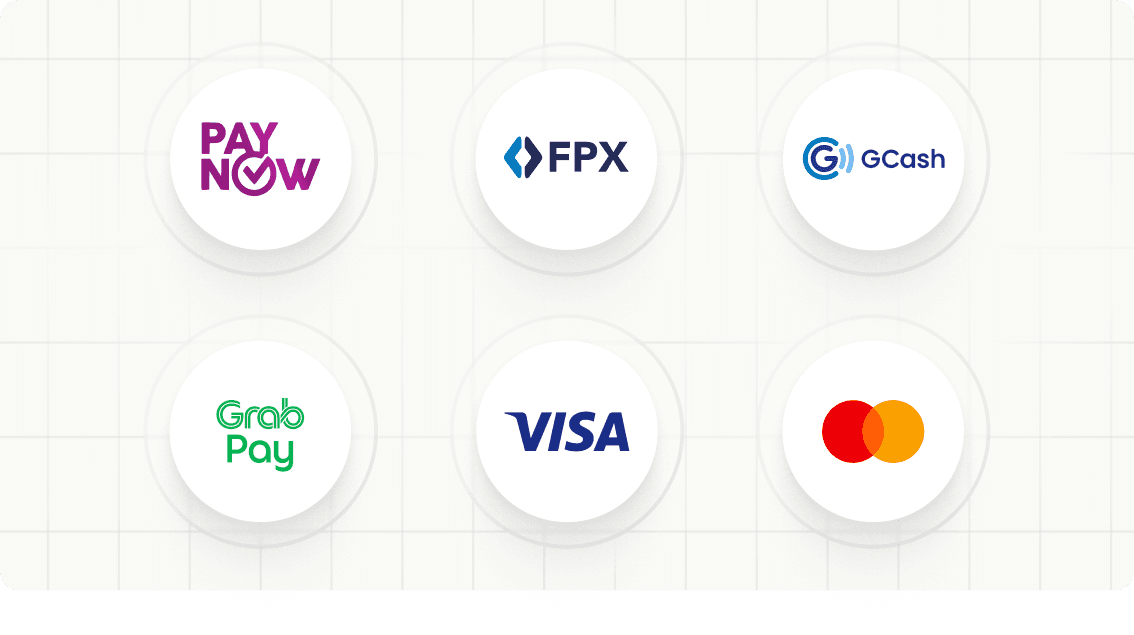
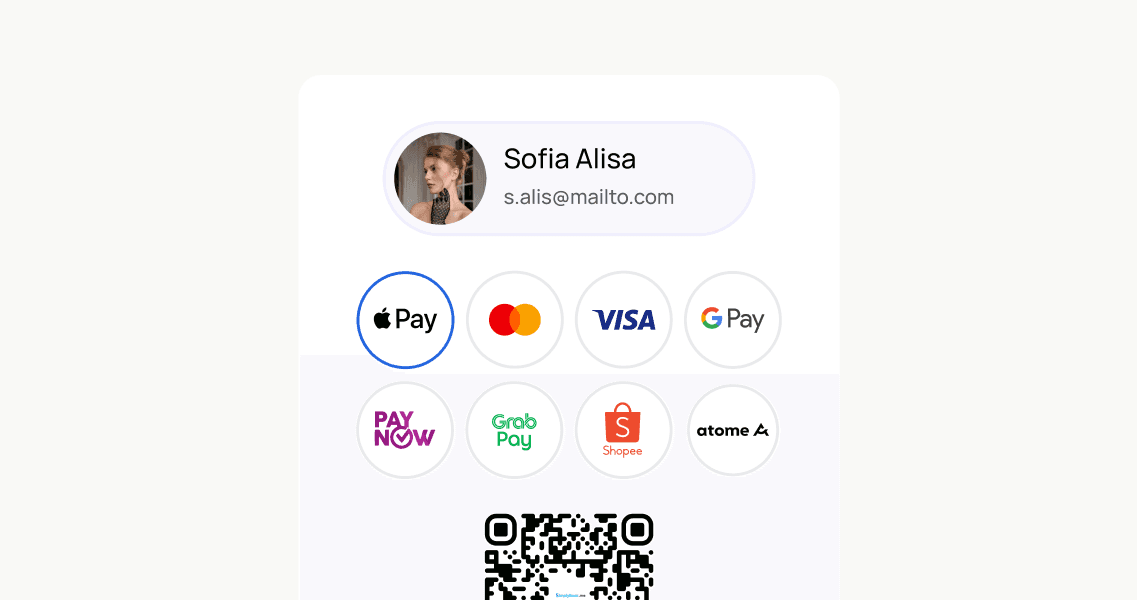
Local and regional payment methods supported.

Local and regional payment methods supported.

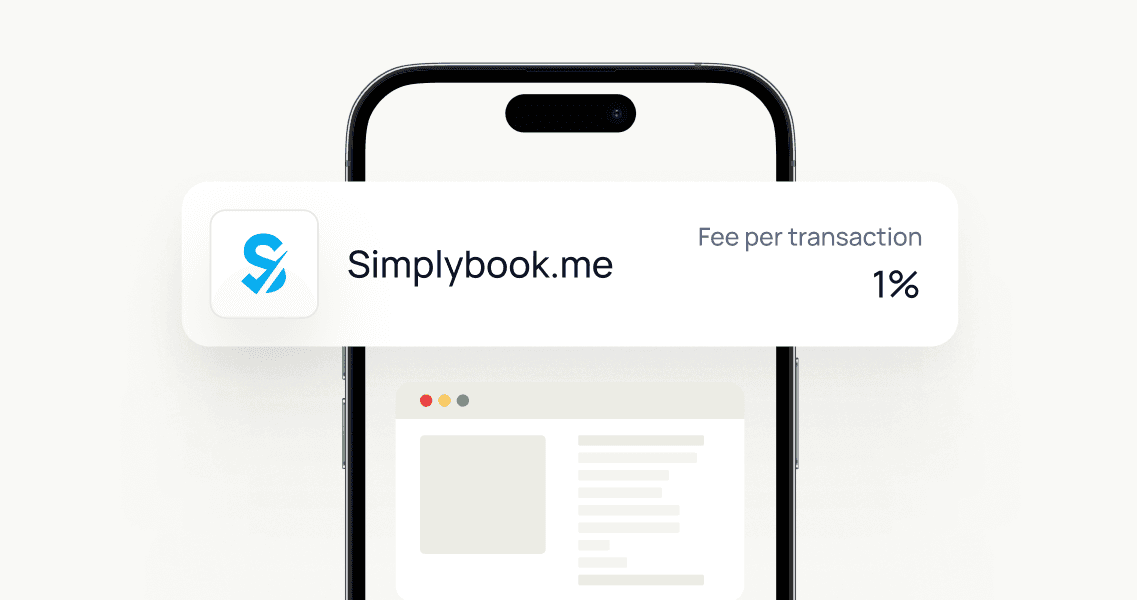
Transparent pricing with no hidden fees. Review local rates on our pricing page

Transparent pricing with no hidden fees. Review local rates on our pricing page

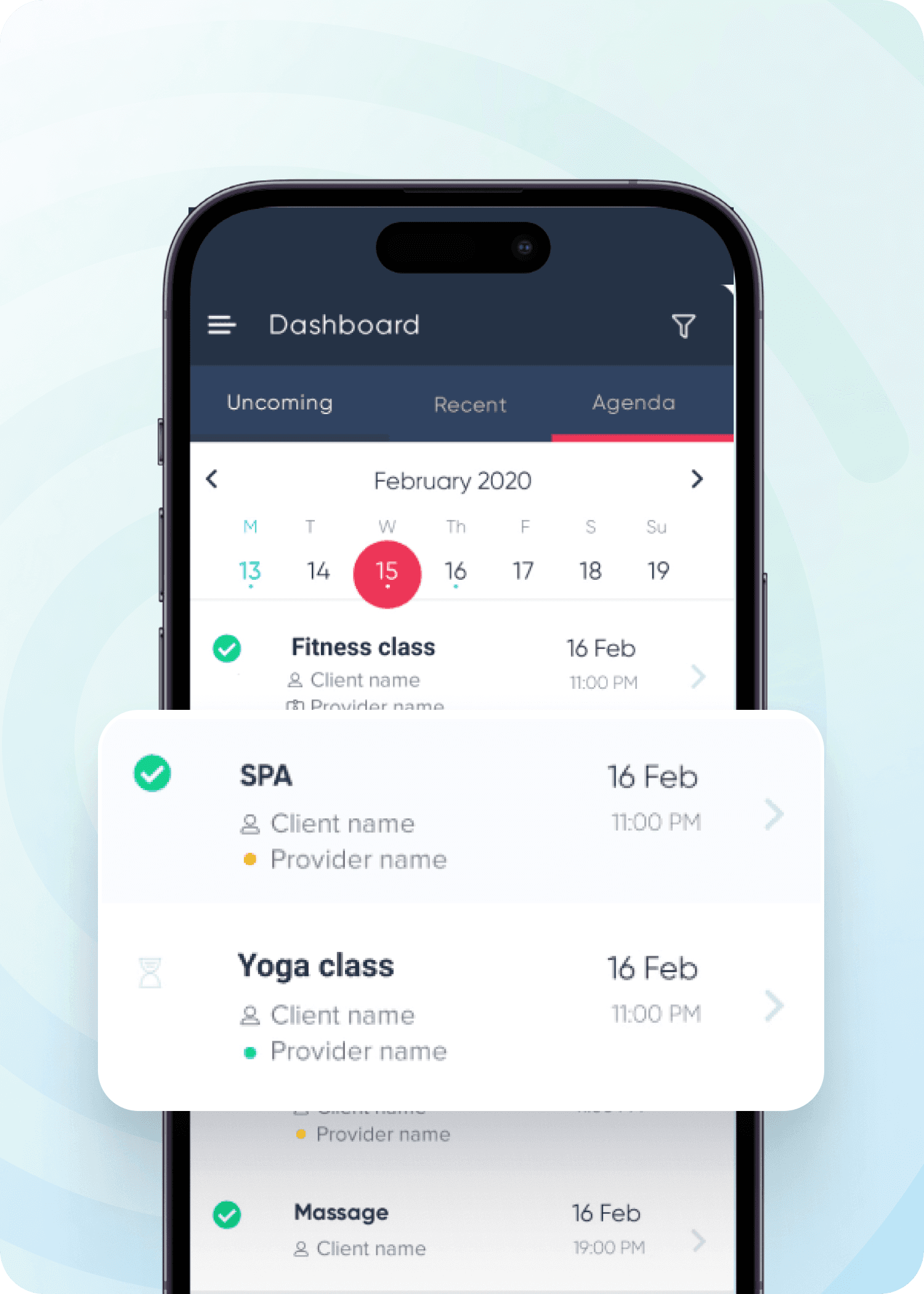
Works smoothly with your existing booking flow on Simplybook.me using HitPay’s online checkout

Works smoothly with your existing booking flow on Simplybook.me using HitPay’s online checkout

Light blue soft gradient shape on a white background.

How it works

Simplybook.me

Hitpay

01

Activate/ Accept Payments from SBPay.me in the SimplyBook.me account

02

Go to SBPay.me payment system settings either from Accept payments feature settings or from the left-side navigation menu

03

You’ll be redirected to your SBPay.me merchant portal.

04

In SBPay.me search for HitPay in the payment processors list and click Activate next to it.

05

If you already have the account with Hitpay then finalize the activation inside simplybook.me if not, please read instructions on How it works with Hitpay Account

A simple light blue shape with a soft gradient against a white background.

How it works

Simplybook.me

Hitpay

01

Activate/ Accept Payments from SBPay.me in the SimplyBook.me account

02

Go to SBPay.me payment system settings either from Accept payments feature settings or from the left-side navigation menu

03

You’ll be redirected to your SBPay.me merchant portal.

04

In SBPay.me search for HitPay in the payment processors list and click Activate next to it.

05

If you already have the account with Hitpay then finalize the activation inside simplybook.me if not, please read instructions on How it works with Hitpay Account

A simple light blue shape with a soft gradient against a white background.

How it works

Simplybook.me

Hitpay

01

Activate/ Accept Payments from SBPay.me in the SimplyBook.me account

02

Go to SBPay.me payment system settings either from Accept payments feature settings or from the left-side navigation menu

03

You’ll be redirected to your SBPay.me merchant portal.

04

In SBPay.me search for HitPay in the payment processors list and click Activate next to it.

05

If you already have the account with Hitpay then finalize the activation inside simplybook.me if not, please read instructions on How it works with Hitpay Account

A simple light blue shape with a soft gradient against a white background.

How it works

Simplybook.me

Hitpay

01

Activate/ Accept Payments from SBPay.me in the SimplyBook.me account

02

Go to SBPay.me payment system settings either from Accept payments feature settings or from the left-side navigation menu

03

You’ll be redirected to your SBPay.me merchant portal.

04

In SBPay.me search for HitPay in the payment processors list and click Activate next to it.

05

If you already have the account with Hitpay then finalize the activation inside simplybook.me if not, please read instructions on How it works with Hitpay Account

A simple light blue shape with a soft gradient against a white background.

How it works

Simplybook.me

Hitpay

01

Activate/ Accept Payments from SBPay.me in the SimplyBook.me account

02

Go to SBPay.me payment system settings either from Accept payments feature settings or from the left-side navigation menu

03

You’ll be redirected to your SBPay.me merchant portal.

04

In SBPay.me search for HitPay in the payment processors list and click Activate next to it.

05

If you already have the account with Hitpay then finalize the activation inside simplybook.me if not, please read instructions on How it works with Hitpay Account

Why choose HitPay

Why choose HitPay

Why choose HitPay

Secure and Compliant

Secure and Compliant

HitPay follows industry level security standards and works with regulated partners across APAC. Customers get a safe and familiar payment experience.

Transparent Pricing

Transparent Pricing

Clear rates for each payment method with no setup or monthly fees. View your local rates on our pricing page at https://hitpayapp.com/pricing.

Omni channel Integration

Manage online booking payments, in person QR payments, payment links, and invoices in one dashboard. Keep reconciliation simple and reduce manual steps.

Frequently Asked Questions

Frequently Asked Questions

Can I activate HitPay on Simplybook.me without a developer?

Yes! Most merchants complete setup using the guides within their Simplybook.me and HitPay dashboards.

Which payment methods can my customers use?

You can activate cards, local payment options, and regional wallets. Check available options on the pricing page at https://hitpayapp.com/pricing.

How fast is settlement?

Settlement timing depends on your country and payment method. Most methods settle within one business day. Your dashboard displays exact timelines.

Can I offer payment links or invoices along with bookings?

Yes. You can send payment links at https://hitpayapp.com/payment-links or create invoices using HitPay invoicing at https://hitpayapp.com/invoicing.

Can I activate HitPay on Simplybook.me without a developer?

Yes! Most merchants complete setup using the guides within their Simplybook.me and HitPay dashboards.

Which payment methods can my customers use?

You can activate cards, local payment options, and regional wallets. Check available options on the pricing page at https://hitpayapp.com/pricing.

How fast is settlement?

Settlement timing depends on your country and payment method. Most methods settle within one business day. Your dashboard displays exact timelines.

Can I offer payment links or invoices along with bookings?

Yes. You can send payment links at https://hitpayapp.com/payment-links or create invoices using HitPay invoicing at https://hitpayapp.com/invoicing.

Can I activate HitPay on Simplybook.me without a developer?

Yes! Most merchants complete setup using the guides within their Simplybook.me and HitPay dashboards.

Which payment methods can my customers use?

You can activate cards, local payment options, and regional wallets. Check available options on the pricing page at https://hitpayapp.com/pricing.

How fast is settlement?

Settlement timing depends on your country and payment method. Most methods settle within one business day. Your dashboard displays exact timelines.

Can I offer payment links or invoices along with bookings?

Yes. You can send payment links at https://hitpayapp.com/payment-links or create invoices using HitPay invoicing at https://hitpayapp.com/invoicing.

Still have questions?

Contact our team.

Still have questions?

Contact our team.

Still have questions?

Contact our team.