
Light to dark blue smooth gradient transition.

Shopcada Payment Gateway for Businesses

Shopcada Payment Gateway for Businesses

Shopcada Payment Gateway for Businesses

Accept payments on your e-commerce store with HitPay’s Shopcada payment gateway.

Accept payments on your e-commerce store with HitPay’s Shopcada payment gateway.

Accept payments on your e-commerce store with HitPay’s Shopcada payment gateway.

HitPay helps Shopcada merchants accept local and international payment methods, with easy setup, competitive pricing, and secure transactions.

HitPay helps Shopcada merchants accept local and international payment methods, with easy setup, competitive pricing, and secure transactions.

HitPay helps Shopcada merchants accept local and international payment methods, with easy setup, competitive pricing, and secure transactions.

Why Shopcada merchants prefer HitPay

Why Shopcada merchants prefer HitPay

Why Shopcada merchants prefer HitPay

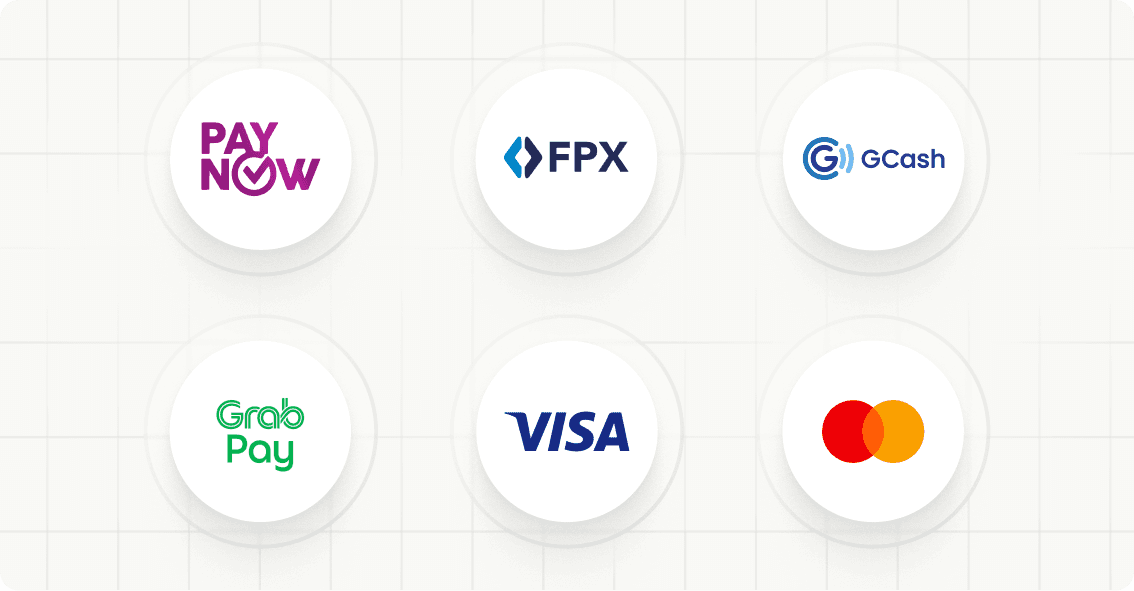
Circular payment method logos for PayNow, FPX, Octo, GrabPay, Visa, and Mastercard on a white grid.

Accept popular payment methods like PayNow, GCash, GrabPay, cards, and more

Accept popular payment methods like PayNow, GCash, GrabPay, cards, and more

No setup fees, no hidden charges

No setup fees, no hidden charges

Easy Shopcada plugin integration

Easy Shopcada plugin integration

Light blue soft gradient shape on a white background.

How it works

Sign up for a free HitPay account

Install the HitPay plugin on your Shopcada store

Choose your preferred payment methods

Start accepting payments on Shopcada

Track and manage payments from one dashboard

A simple light blue shape with a soft gradient against a white background.

How it works

Sign up for a free HitPay account

Install the HitPay plugin on your Shopcada store

Choose your preferred payment methods

Start accepting payments on Shopcada

Track and manage payments from one dashboard

A simple light blue shape with a soft gradient against a white background.

How it works

Sign up for a free HitPay account

Install the HitPay plugin on your Shopcada store

Choose your preferred payment methods

Start accepting payments on Shopcada

Track and manage payments from one dashboard

A simple light blue shape with a soft gradient against a white background.

How it works

Sign up for a free HitPay account

Install the HitPay plugin on your Shopcada store

Choose your preferred payment methods

Start accepting payments on Shopcada

Track and manage payments from one dashboard

A simple light blue shape with a soft gradient against a white background.

How it works

Sign up for a free HitPay account

Install the HitPay plugin on your Shopcada store

Choose your preferred payment methods

Start accepting payments on Shopcada

Track and manage payments from one dashboard

Join thousands of businesses using HitPay

Join thousands of businesses using HitPay

Join thousands of businesses using HitPay

Trusted and secure

Trusted and secure

HitPay has been granted regulations and licenses across Asia. Our platform is PCI-DSS compliant, ensuring safe transactions across all channels.

Transparent Pricing

Transparent Pricing

No hidden fees. Pay only per transaction.

Omni-channel Integration

Omni-channel Integration

Sync payments across your Shopcada store, physical POS, and social channels — all from one dashboard.

Frequently Asked Questions

Frequently Asked Questions

How do I set up HitPay on Shopcada?

Just sign up for a free HitPay account, then follow this step-by-step guide to install the plugin and connect it to your Shopcada store.

What payment methods are supported?

HitPay supports local and international payment methods including PayNow, FPX, GrabPay, GCash, Visa, Mastercard, American Express, UnionPay, and more. Full list here ->

Is there a monthly subscription?

No — HitPay charges per successful transaction only. There are no setup or monthly fees.

Can I use HitPay for both online and in-store sales?

Yes! HitPay supports both e-commerce payments and POS solutions for a unified experience.

How do I set up HitPay on Shopcada?

Just sign up for a free HitPay account, then follow this step-by-step guide to install the plugin and connect it to your Shopcada store.

What payment methods are supported?

HitPay supports local and international payment methods including PayNow, FPX, GrabPay, GCash, Visa, Mastercard, American Express, UnionPay, and more. Full list here ->

Is there a monthly subscription?

No — HitPay charges per successful transaction only. There are no setup or monthly fees.

Can I use HitPay for both online and in-store sales?

Yes! HitPay supports both e-commerce payments and POS solutions for a unified experience.

How do I set up HitPay on Shopcada?

Just sign up for a free HitPay account, then follow this step-by-step guide to install the plugin and connect it to your Shopcada store.

What payment methods are supported?

HitPay supports local and international payment methods including PayNow, FPX, GrabPay, GCash, Visa, Mastercard, American Express, UnionPay, and more. Full list here ->

Is there a monthly subscription?

No — HitPay charges per successful transaction only. There are no setup or monthly fees.

Can I use HitPay for both online and in-store sales?

Yes! HitPay supports both e-commerce payments and POS solutions for a unified experience.

Still have questions?

Contact our team.

Still have questions?

Contact our team.

Still have questions?

Contact our team.