


| PayNow Corporate (your bank) | PayNow through HitPay | |
|---|---|---|
| What you set up | Link your UEN to an SGD current account at a participating bank | A HitPay account. No PayNow Corporate needed |
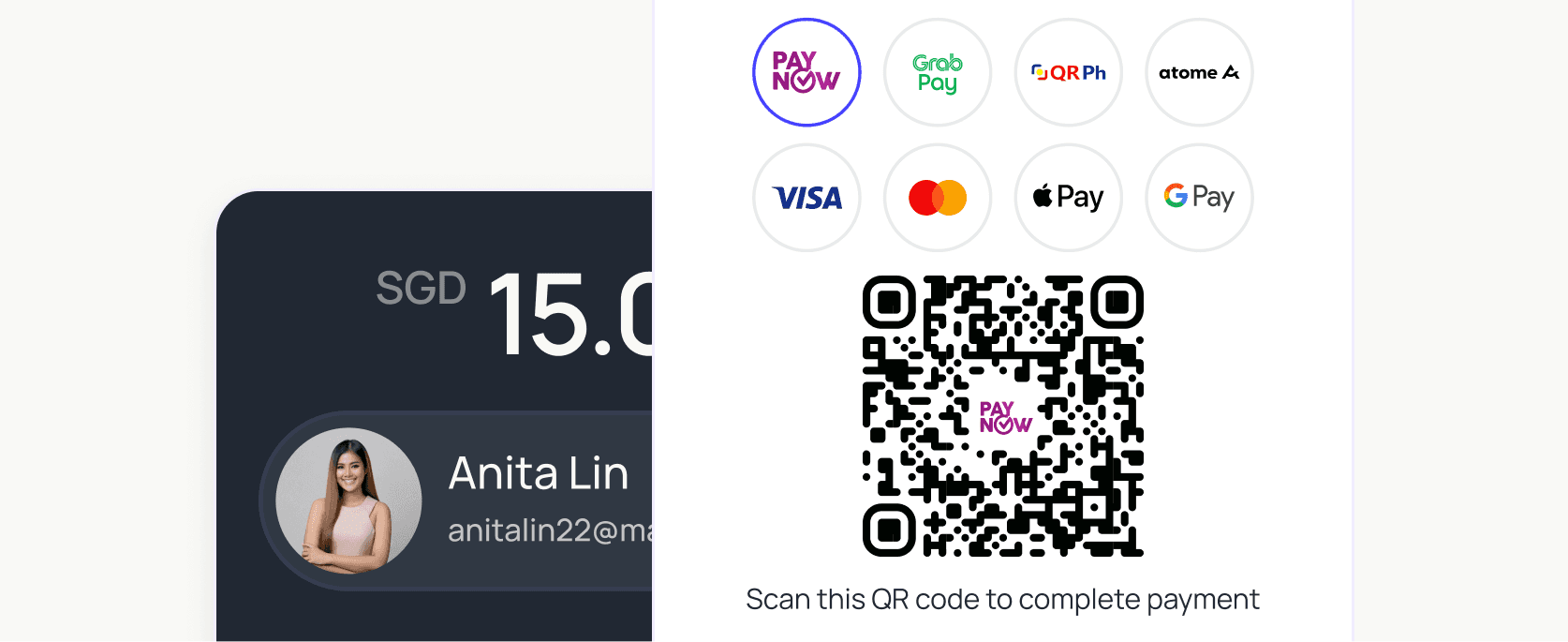
| QR code | Your UEN or a static QR; the customer types the amount | A QR for the exact amount for each order, or a static QR for the counter |
| Matching payments to orders | You match bank credits by hand | Each payment is linked to its order, link or invoice in the HitPay dashboard |
| Cards and other methods | Separate setup | Cards, PayNow and wallets on the same account |
| Fees | Set by your bank | 0.65% + S$0.30 (S$100+), 0.9% min S$0.20 (under S$100), 0.4% min S$0.10 in person |
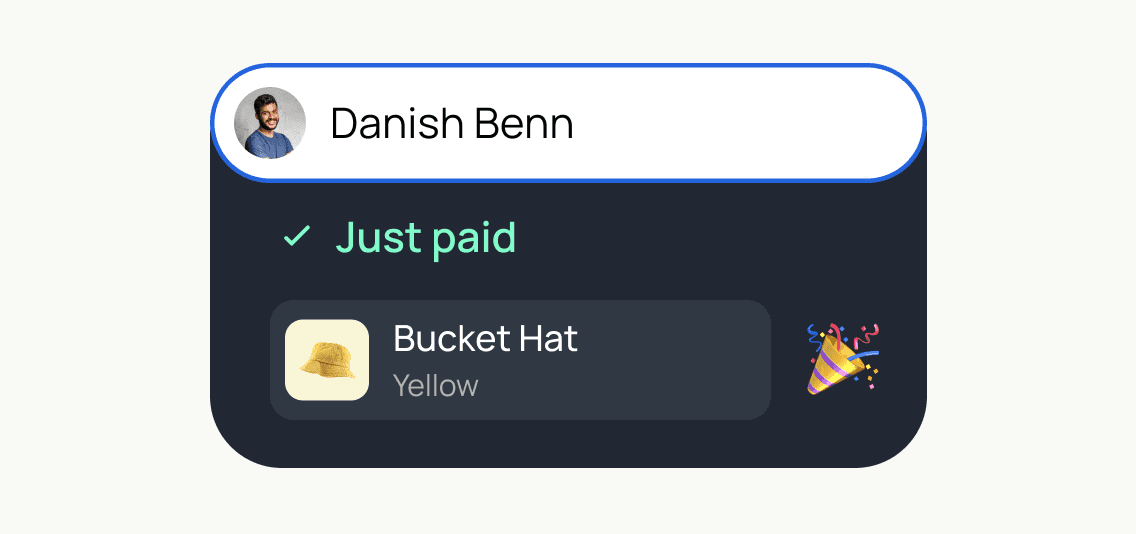
PayNow payments are completed in real time, improving cash flow and reducing delays.


PayNow is the preferred payment method for millions of customers in Singapore.
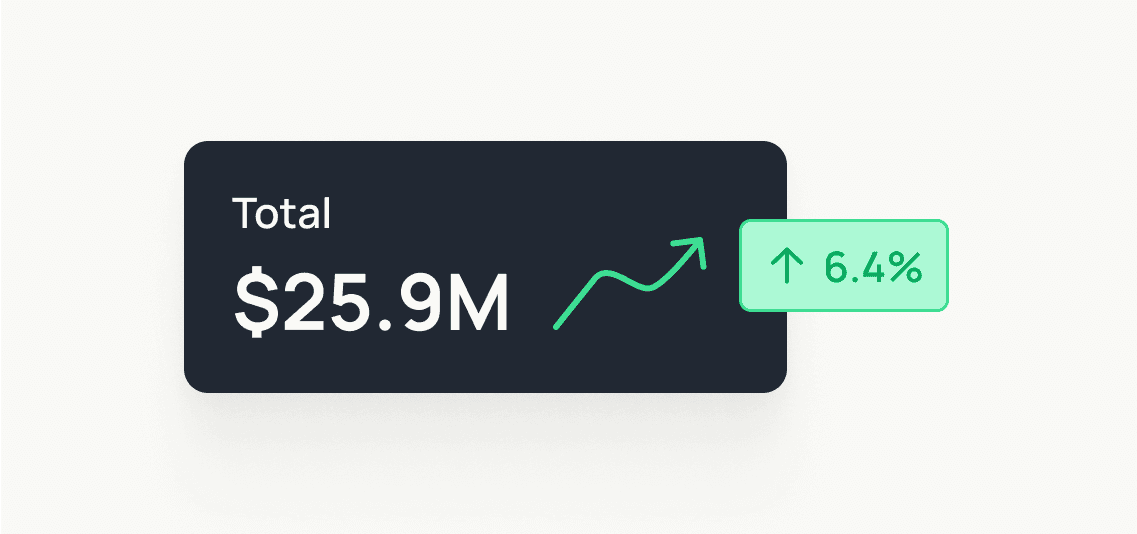
PayNow transaction fees are lower than credit cards, making it a cost-effective cashless option.
HitPay has a Major Payment Institution license with the MAS.
No setup or subscription fees, no hidden fees or surprises. Only pay per transaction.
With HitPay, you can accept PayNow both online and offline.
Shopify
Xero
WooCommerce
Prestashop
Wix
Magento
Sell online
Integrate PayNow on Shopify, WooCommerce, and any e-commerce platform you use to sell online.
Sell in-person
For in-person transactions, HitPay Payment Links function as a PayNow QR code generator, allowing your customers to scan and pay with their mobile banking app.
Add PayNow to Shopify, WooCommerce, Wix, Magento, or PrestaShop. Customers select PayNow, scan the generated QR or follow the payment reference, then return to your confirmation page.
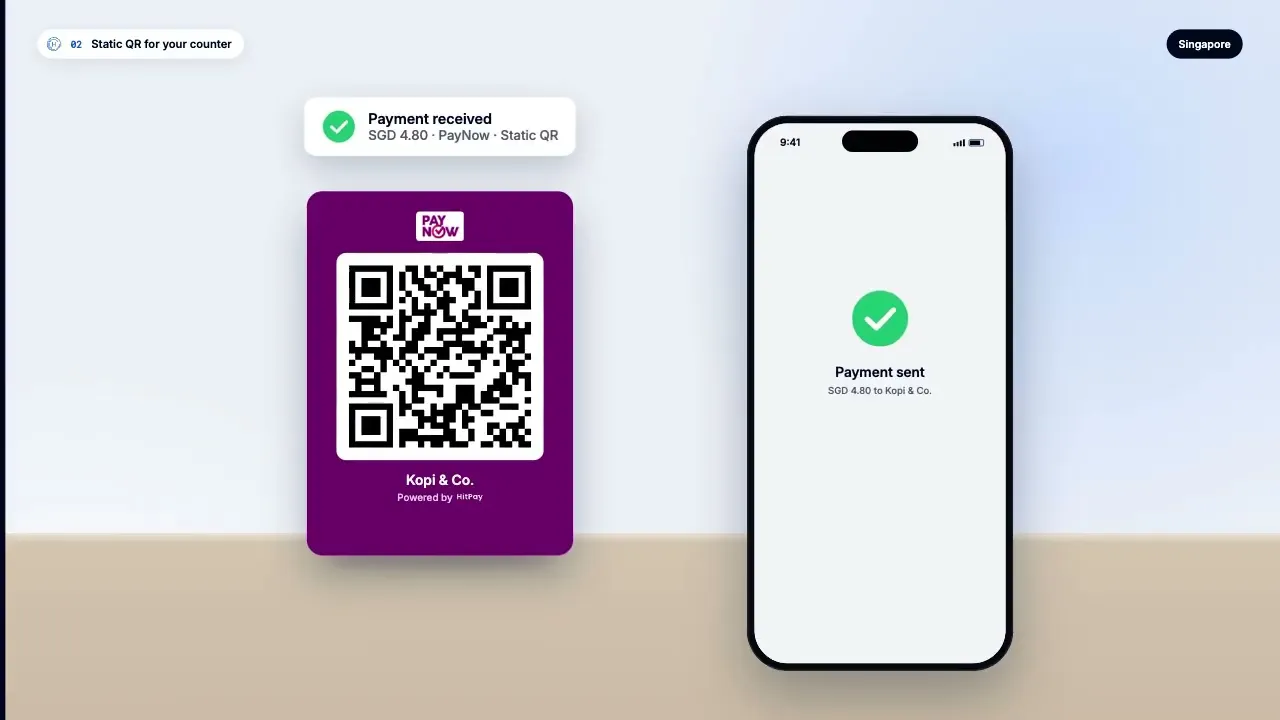
Generate a PayNow QR in HitPay, print it, and display it at your counter. Customers scan with their banking app, enter the amount, and you receive a real-time payment notification.
Create a free HitPay account. There are no setup or monthly fees.
Enable PayNow under Payment Methods in your HitPay dashboard.
Download your static PayNow QR for the counter, or create a payment link or invoice with a dynamic QR for an exact amount.
Customers scan it with any Singapore banking app, and the payment shows in your HitPay dashboard.
PayNow on HitPay costs 0.65% + S$0.30 per transaction from S$100, or 0.9% (min S$0.20) below S$100. For service businesses and remote sales, payment links and invoices can be shared through WhatsApp, email, or SMS, no website required.
S$100 and above: 0.65% + S$0.30. Below S$100: 0.9%, with a minimum fee of S$0.20. In person: 0.4%, with a minimum fee of S$0.10. No monthly fee and no setup fee — you pay per transaction.
From 0.4%
PayNow payments are processed in real time through FAST. Funds appear in your HitPay account immediately and follow HitPay’s standard Singapore settlement schedule.
PayNow sending limits are set by the customer’s bank. HitPay does not impose a merchant receiving cap.
PayNow is push-based: the customer initiates and authorises the transfer, so card-network chargebacks do not apply.
Registered Singapore businesses accept PayNow through HitPay, without setting up PayNow Corporate with a bank.
Use the same HitPay account for QR, online checkout, invoices, payment links, cards, and other local payment methods.
S$100 and above
0.65% + S$0.30
Below S$100
0.9% · minimum S$0.20
In person
0.4% · minimum S$0.10
Monthly and setup fees
None
In-person acceptance
Static SGQR-compliant QR
Online acceptance
Checkout, invoice, or payment link
Separate PayNow merchant account
Not required
Legal entity
HitPay Payment Solutions Pte Ltd
Regulator
Monetary Authority of Singapore
Licence type
Major Payment Institution (MPI)
A local MAS-licensed Major Payment Institution. No monthly fee and no setup fee. Online PayNow is 0.65% + S$0.30 on payments of S$100 and above, and 0.9% (minimum S$0.20) below S$100. In person, PayNow is 0.4% (minimum S$0.10). The setup steps are on this page.
Worth comparing if you already run Stripe or a global card stack. Check Stripe’s own PayNow path and platform fees on Stripe’s site.
Worth comparing if you need multi-market or FX-led tools. Check Airwallex’s PayNow coverage and monthly model on Airwallex’s site.
Worth comparing if your stack is already Omise in Singapore. Check Omise’s own PayNow coverage and fees on Omise’s site. HitPay’s rates and the go-live steps stay on this page.
What is the difference between PayNow, PayNow QR, and SGQR?
PayNow is the payment network. A PayNow QR is a QR code that initiates a PayNow transfer. SGQR is Singapore’s national QR standard that combines multiple payment schemes, including PayNow, into one QR code. HitPay generates SGQR-compliant QR codes automatically.
What is the PayNow transaction limit?
PayNow sending limits are set by the customer’s bank, not by the merchant or HitPay. Individual users are commonly limited to around S$1,000 per day, although limits vary by bank and account settings. Corporate accounts may have significantly higher limits. Merchants do not have a HitPay receiving cap.
How do I accept PayNow in Singapore?
Use a MAS-licensed payment institution. With HitPay: open an account on hitpayapp.com, complete the PayNow setup steps on this page, then request PayNow from customers. HitPay is a MAS licensed. There is no monthly fee. Online PayNow is 0.65% + S$0.30 on payments of S$100 and above, and 0.9% with a minimum fee of S$0.20 below S$100. In-person PayNow is 0.4% with a minimum fee of S$0.10. Confirm on Singapore pricing.
How much does it cost to accept PayNow through HitPay?
Online PayNow is 0.65% + S$0.30 on payments of S$100 and above, and 0.9% (minimum S$0.20) below S$100. In-person PayNow is 0.4% (minimum S$0.10). There’s no setup fee and no monthly fee. See Singapore pricing for the live table.
Do I need a MAS licence to accept PayNow?
Businesses accept PayNow through a licensed institution. HitPay is a Singapore MAS-licensed Major Payment Institution.
Is there a monthly fee to accept PayNow on HitPay?
No. HitPay has no monthly fee and no setup fee. You pay per PayNow transaction: online is 0.65% + S$0.30 on payments of S$100 and above, and 0.9% with a minimum fee of S$0.20 below S$100. In-person PayNow is 0.4% with a minimum fee of S$0.10.
Can I accept PayNow and cards together?
Yes. HitPay is a payment gateway for PayNow and cards on one account. Online domestic cards are 2.8% + S$0.50; PayNow tiers are above. For the overview see the payment gateway overview. PayNow setup stays on this page. You can also accept PayNow in store with a card terminal.
How does accepting PayNow on HitPay compare with Stripe?
Stripe publishes its own PayNow how-to. If you already run Stripe, use Stripe’s page and Stripe’s fees. If you want a local MAS-licensed MPI with no monthly fee, HitPay’s online PayNow is 0.65% + S$0.30 on payments of S$100 and above, 0.9% (minimum S$0.20) below S$100, and 0.4% (minimum S$0.10) in person. Follow the steps on this page.
How does accepting PayNow on HitPay compare with Airwallex?
Airwallex also has a page on accepting PayNow. Compare Airwallex on Airwallex’s site if that is your stack, including any monthly or platform fee they publish. HitPay is for Singapore businesses that want PayNow on a MAS-licensed MPI, with no monthly fee, at 0.65% + S$0.30 online on payments of S$100 and above, 0.9% (minimum S$0.20) below S$100, and 0.4% (minimum S$0.10) in person.
Who is HitPay PayNow for?
Singapore businesses that need to accept PayNow. HitPay also serves Malaysia and the Philippines.
Is HitPay MAS licensed?
Yes. HitPay is MAS licensed as a Major Payment Institution.
Where do I see all HitPay payment gateway fees?
PayNow tiers and cards are on Singapore pricing. Online PayNow is 0.65% + S$0.30 on payments of S$100 and above, and 0.9% with a minimum fee of S$0.20 below S$100; in-person PayNow is 0.4% with a minimum fee of S$0.10. Online domestic cards are 2.8% + S$0.50. For the gateway overview see the payment gateway overview. This page is the PayNow how-to.
What is the difference between PayNow checkout and a Collection Account?
PayNow checkout collects from customers, online or in person. A Collection Account collects B2B and invoice SGD: partners send to FAST/PayNow details in your own business name and the funds arrive in the same HitPay Wallet — one ledger with your PayNow sales. No setup or monthly fee; SGD collections are S$0.50 per receipt. SGD Collection Account (FAST/PayNow) →
How does accepting PayNow on HitPay compare with Omise?
Omise is another way for a Singapore business to accept PayNow. Compare Omise’s PayNow product and fees on Omise’s site if you already use Omise. HitPay is a MAS-licensed MPI with no monthly fee and no setup fee. Online PayNow is 0.65% + S$0.30 on payments of S$100 and above, and 0.9% with a minimum of S$0.20 below S$100. In person it is 0.4% with a minimum of S$0.10. Setup stays on this page.
Do I need PayNow Corporate to accept PayNow as a business?
No. PayNow Corporate is the bank route: you link your UEN to an SGD current account at a participating bank. You can also accept PayNow through a MAS licensed payment gateway such as HitPay, which shows the customer a PayNow QR at checkout, on payment links and invoices, or at the counter, and pays the money out to your bank account. You don’t register PayNow Corporate for this.
What’s the difference between PayNow Corporate and accepting PayNow through a payment gateway?
With PayNow Corporate, customers pay your UEN or a static QR straight into your bank account, and you match each payment to a sale yourself. With a payment gateway, each order gets a PayNow QR for the exact amount, the payment is linked to the order automatically, and you can take cards and other methods on the same account. The gateway charges a per-transaction fee; on HitPay, online PayNow is 0.65% + S$0.30 (S$100 and above) or 0.9% with a S$0.20 minimum (below S$100).
When do I receive PayNow payments?
The customer’s payment is confirmed in real time through FAST. PayNow payouts on HitPay are T+1 calendar day.
Can I show a PayNow QR with the exact amount?
Yes. HitPay creates a PayNow QR for the exact amount at online checkout, on payment links and invoices, and on HitPay POS and card terminals. For a counter where the customer types the amount, download a static PayNow QR from the dashboard.
Still have questions?
Contact our team.
