



What the customer experience looks like
Online checkout
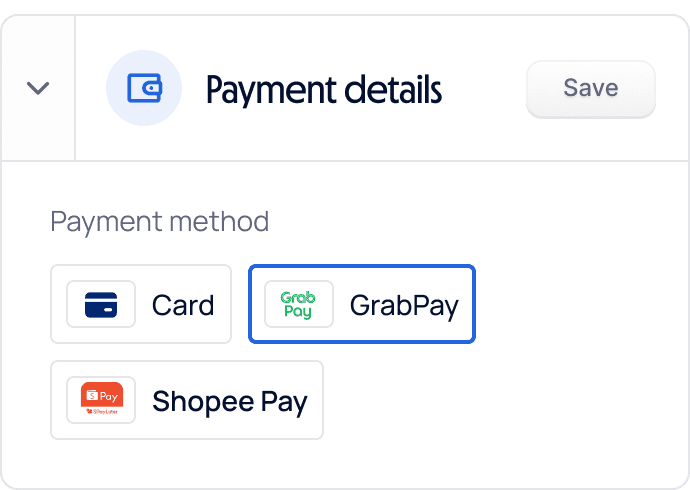
The customer selects GrabPay at checkout, authenticates in the Grab app or Grab’s web payment page, confirms the payment, and returns to your order confirmation page. For a returning Grab user, the flow takes under 20 seconds.
In-person
Display a HitPay QR code at your counter. The customer opens Grab, taps Pay, and scans your QR. You receive a real-time notification in the HitPay dashboard or POS app—no card reader or separate GrabPay terminal needed.
Step-by-step: enabling GrabPay via HitPay
01 · Create your HitPay account
Register for free. No credit card, setup fee, or monthly commitment is required.
02 · Complete business verification
Submit your Singapore UEN, ACRA registration, and director or owner ID. Most businesses are verified within 24 hours.
03 · Enable GrabPay
Open Payment Methods in your dashboard and confirm GrabPay is active. It is included in HitPay’s standard account with no separate application.
04 · Go live
Use a Shopify, WooCommerce, or Wix plugin; display a HitPay QR code; process payments in the POS app; or share a payment link through WhatsApp or email.
You do not need to contact Grab or apply through Grab’s merchant portal. HitPay handles the integration and settlement on your behalf.
Transaction fee
No monthly fee, setup fee, or minimum volume. You only pay for successful transactions.
3%
Settlement timing
GrabPay payments settle in line with HitPay’s standard Singapore payout schedule. Funds appear in your HitPay account and can be transferred to your business bank account according to your settlement cadence.
Why businesses accept GrabPay
Consumer reach
Reach Grab’s large Singapore user base, including customers who prefer spending wallet balances from top-ups and rebates.
In-app convenience
A familiar Grab authentication flow feels frictionless and can reduce checkout abandonment for mobile-first businesses.
Wallet-based payments
Consumer-initiated wallet payments do not carry the same card chargeback exposure as Visa or Mastercard transactions, while standard refund policies still apply.
One integration, multiple methods
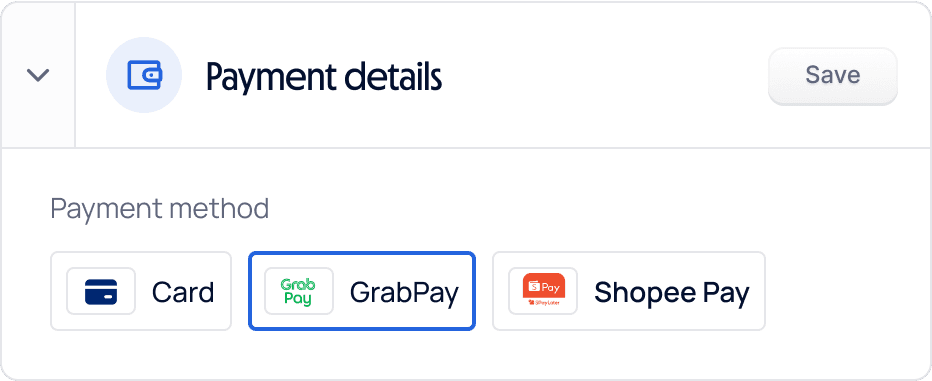
Accept GrabPay, PayNow, ShopeePay, WeChat Pay, Atome, and cards from one dashboard, with unified integration and settlement.
GrabPay via HitPay
Transaction fee
3%
Monthly fee
None
Setup fee
None
In-person acceptance
Yes, via QR code
Online acceptance
Checkout plugin or payment link
Separate Grab merchant account
Not required
HitPay is a licensed Major Payment Institution with the Monetary Authority of Singapore.
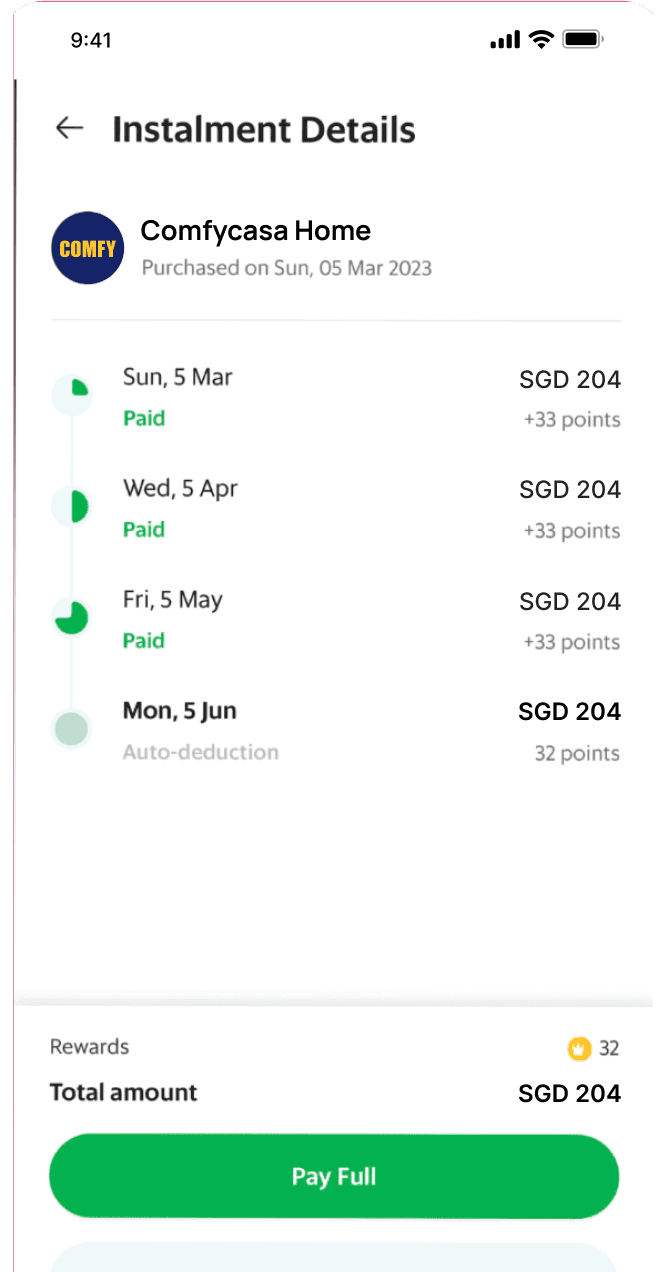
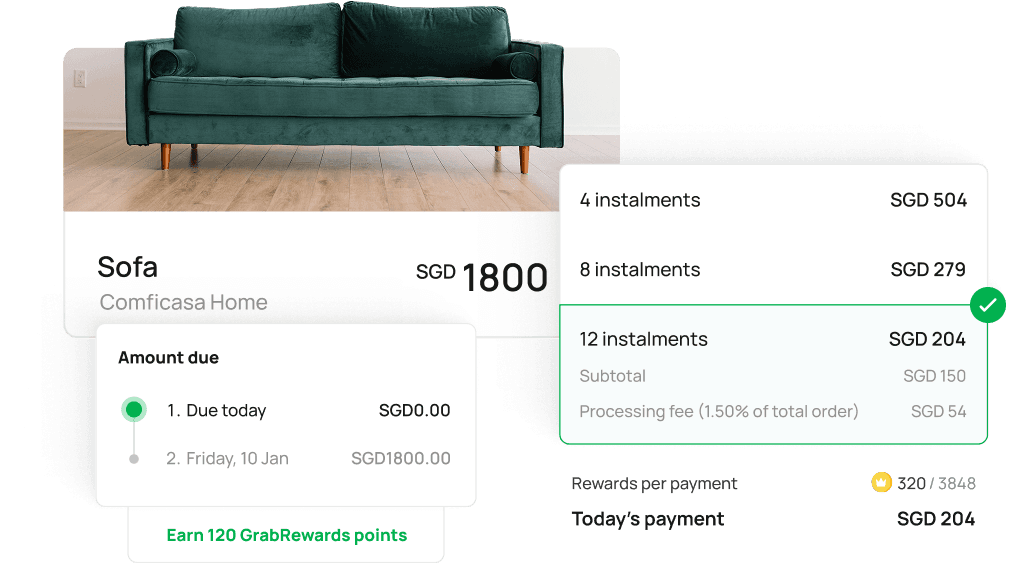
Only pay a processing fee for each PayLater by Grab transaction. HitPay has no setup, subscription, account maintenance, or hidden fees.
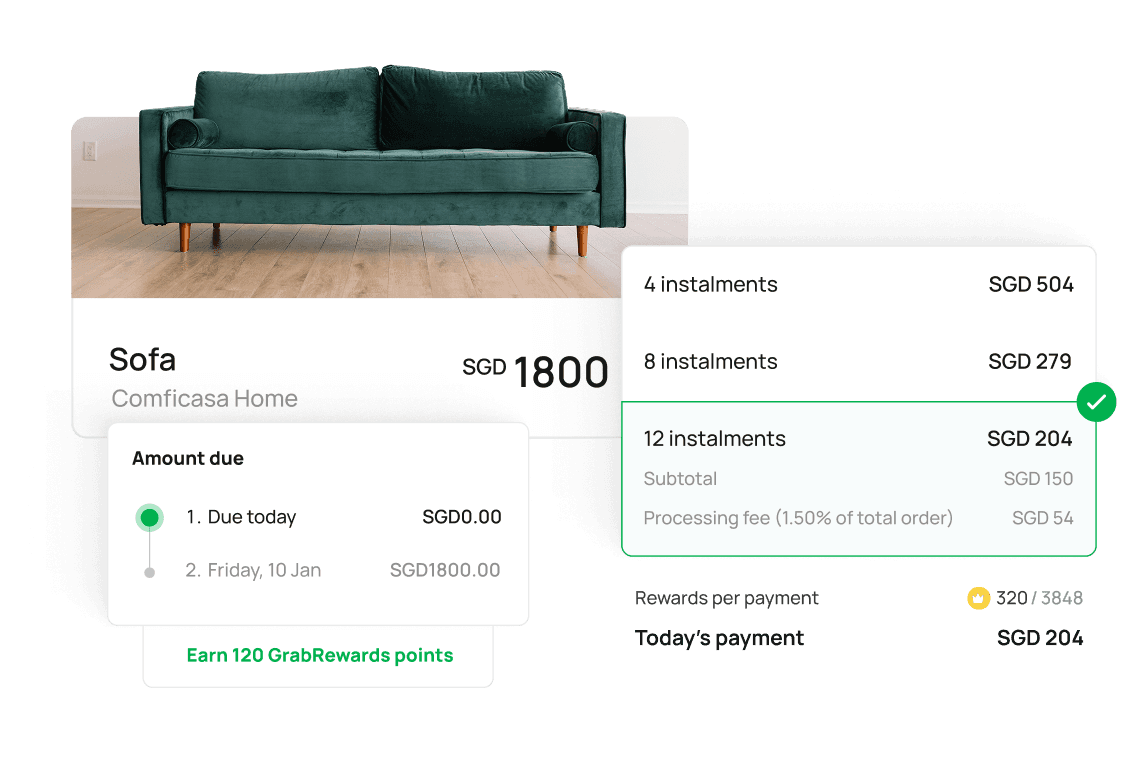
PayLater by Grab is supported on HitPay’s payment tools, including POS readers, e-commerce plugins for Shopify, WooCommerce, and more. No coding required.
How do I accept PayLater by Grab at checkout in Singapore?
Create a free HitPay account, complete Singapore business verification, and enable PayLater by Grab in your HitPay dashboard. Customers can then choose it at your online checkout and in person. HitPay Payment Solutions Pte Ltd is licensed by MAS as a Major Payment Institution.
What does HitPay charge for PayLater by Grab in Singapore?
5.5% per transaction online and 5% in person. There is no setup fee and no monthly fee, and you pay only when a payment succeeds. The rates are on Singapore pricing.
Do I carry the risk if a customer misses an instalment?
No. The customer pays Grab over time, and Grab carries the instalment risk. Your business receives the full order amount after the order is completed.
How do I receive funds from PayLater by Grab payments?
The full order amount goes to your HitPay balance and pays out to your linked business bank account on HitPay’s Singapore settlement schedule.
How is PayLater by Grab different from Atome and SPayLater?
All three are buy now, pay later methods a Singapore customer can choose at checkout, and HitPay accepts all three on one account. PayLater by Grab is 5.5% online and 5% in person. Atome is 5.5%. SPayLater is 5%. Offer the ones your customers already use; every rate is on Singapore pricing.
Still have questions?
Contact our team.
