
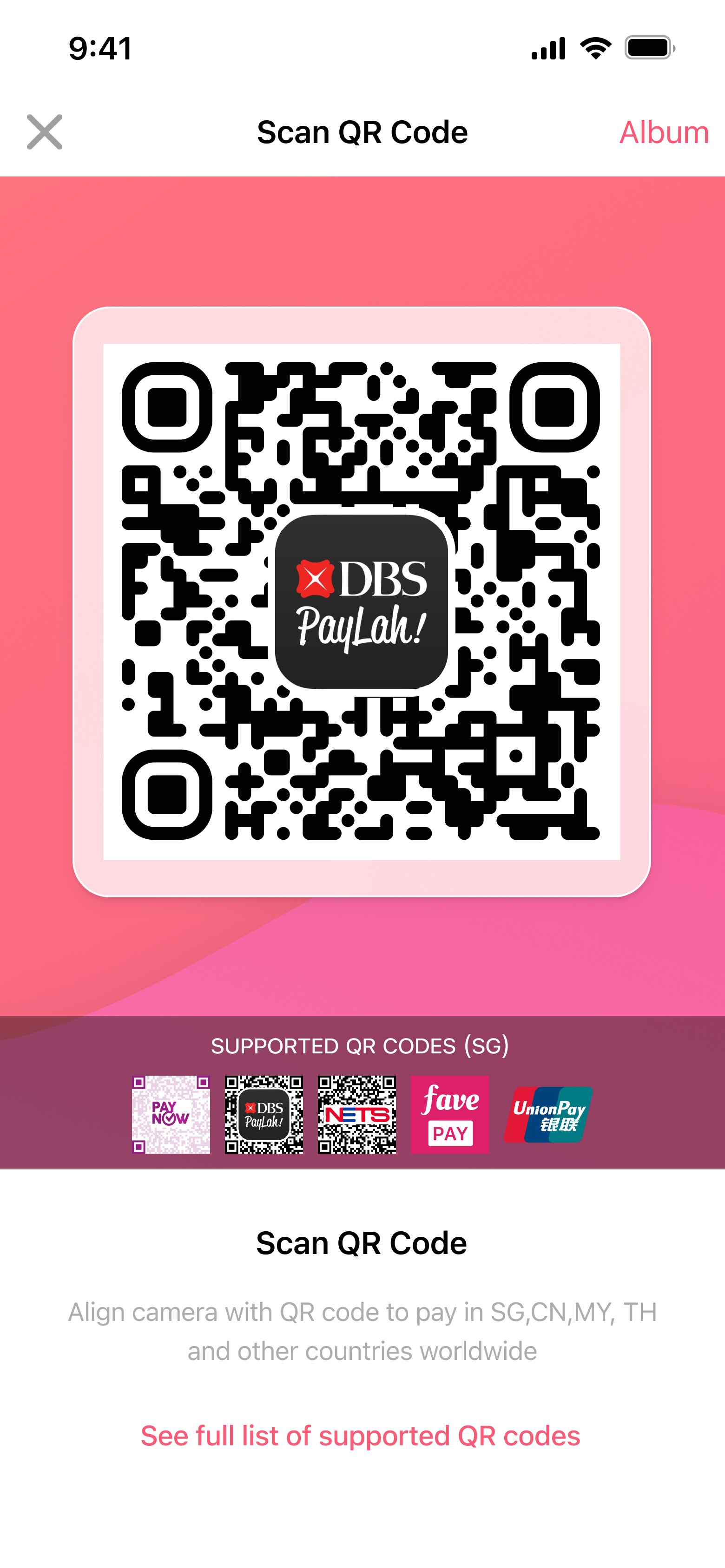

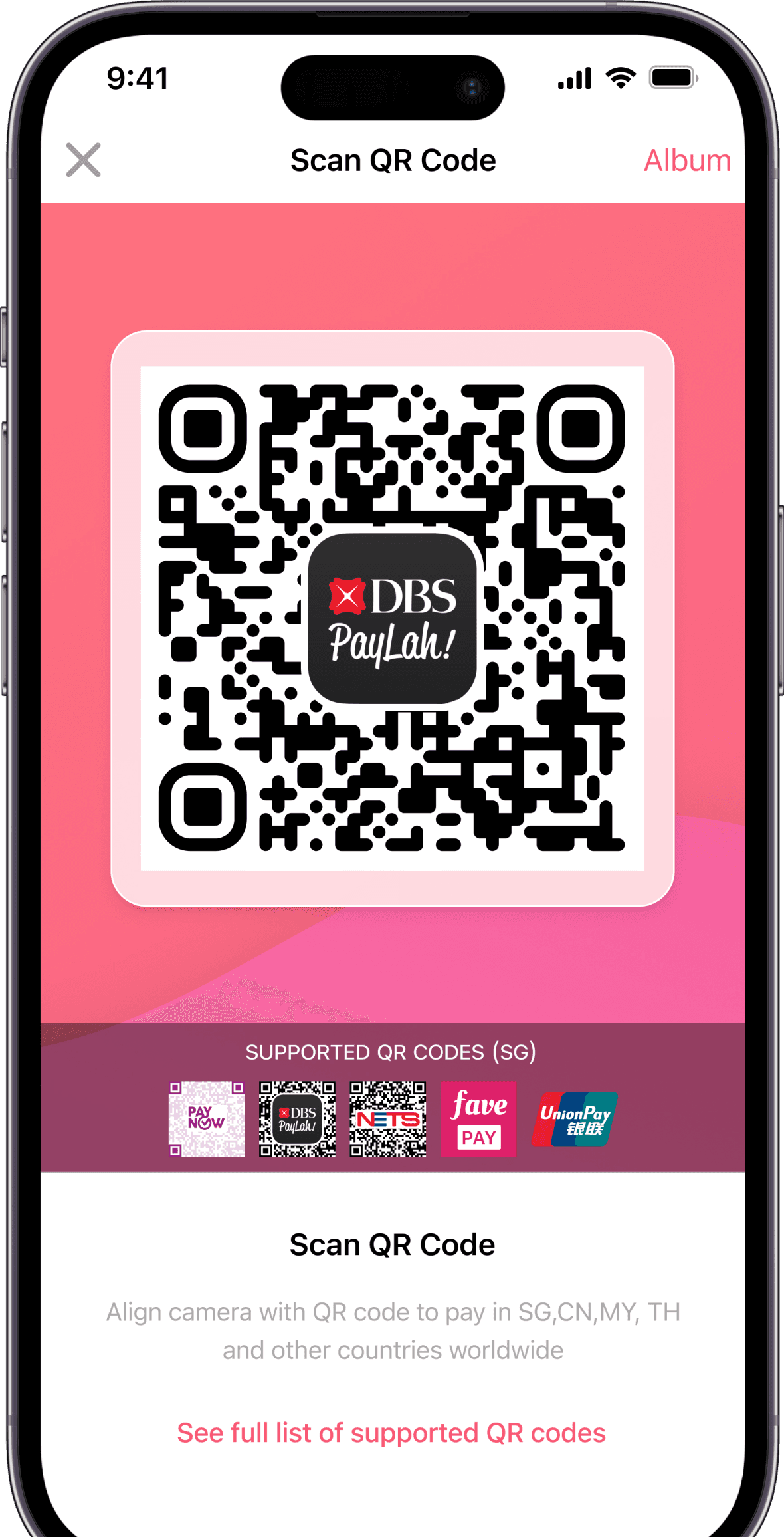
HitPay simplifies the process of accepting DBS PayLah! by integrating it into your existing payment ecosystem. Whether in-store or online, your customers can pay quickly and securely.
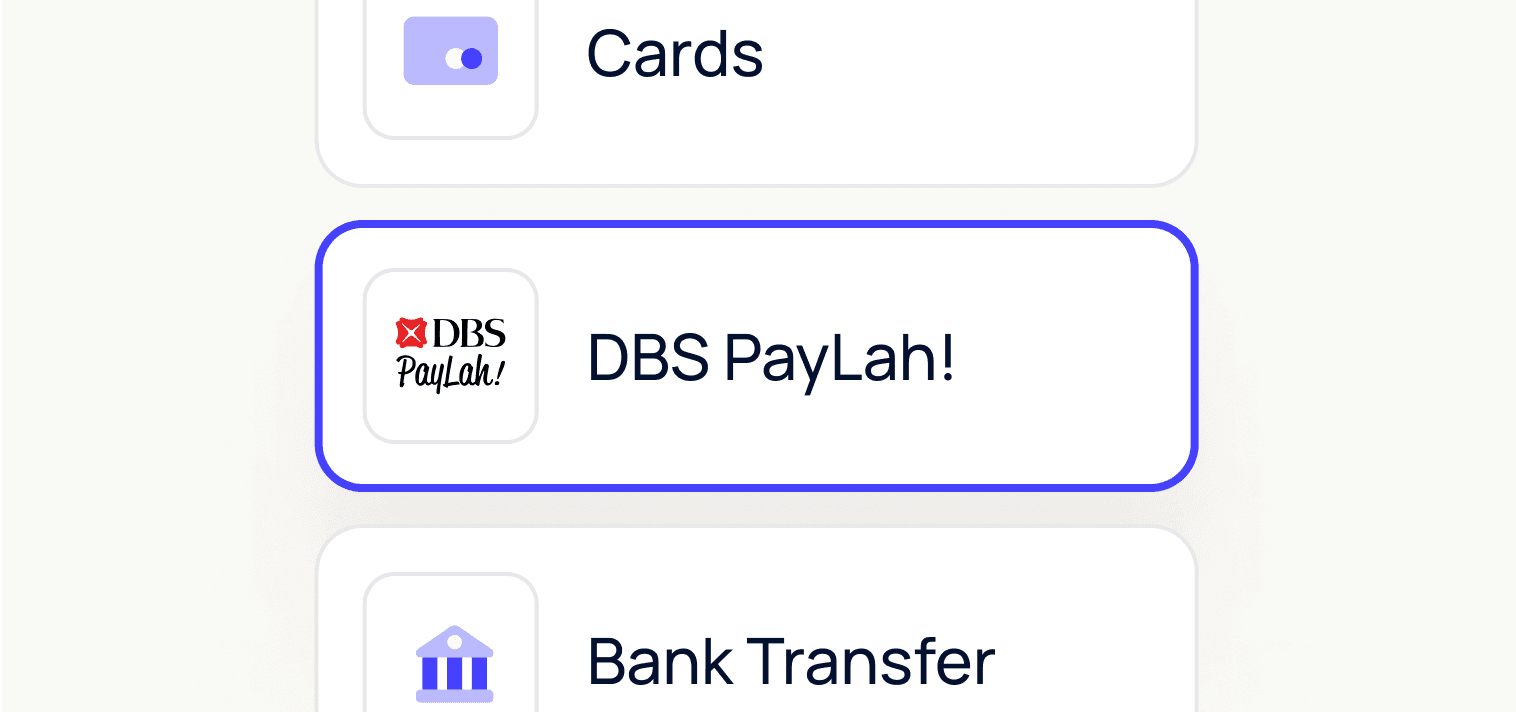
Customers scan a QR code or select PayLah! at checkout, enabling real-time payments.
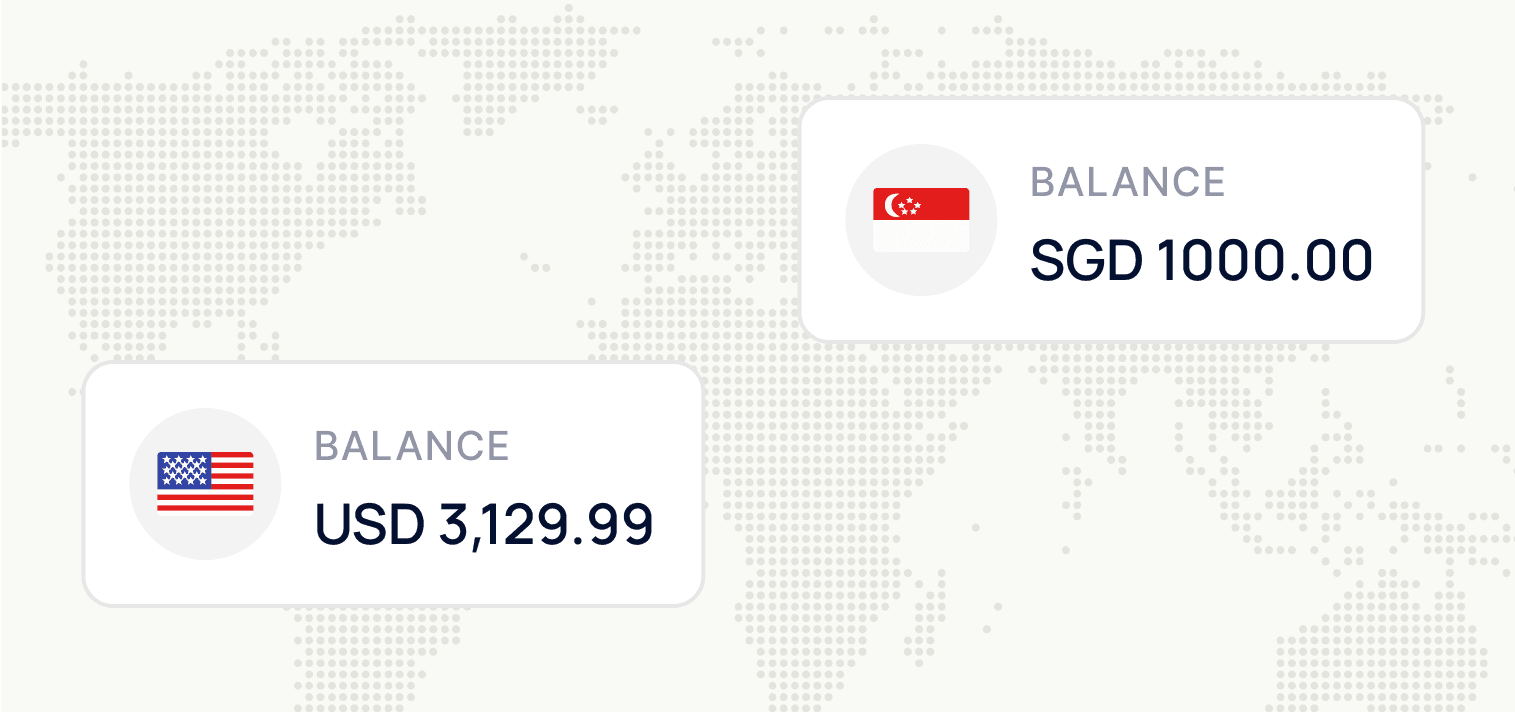
While PayLah! is most popular in Singapore, its adoption is expanding. Businesses worldwide can attract and serve Singaporean customers by accepting PayLah! payments with HitPay.




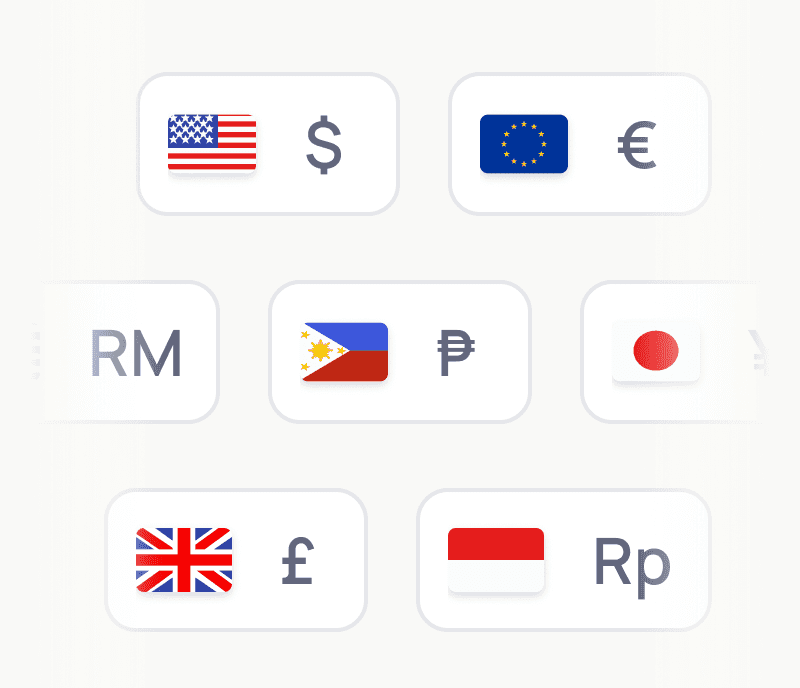
Multi-currency support
Accept payments from customers in Singapore while receiving payouts in your preferred currency, reducing the hassle of currency conversions.
Seamless Integration
Whether you’re running an e-commerce store or a physical business, HitPay integrates easily with your existing setup, enabling PayLah! payments alongside other methods like credit cards, and e-wallets.
Can my business accept PayLah! without a DBS account?
Yes. One common misconception is that PayLah! is only for DBS account holders.
HitPay simplifies the process by allowing businesses to accept PayLah! payments without requiring a DBS account. Here's how:
Register your business with HitPay and activate PayNow as a payment method.
Connect your preferred bank account to receive funds seamlessly.
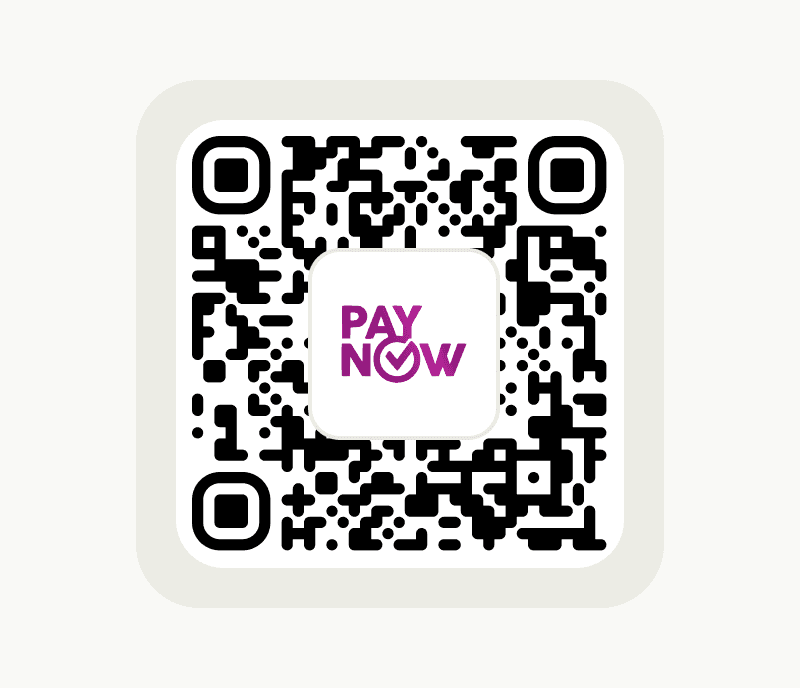
Start accepting PayLah! payments by allowing customers to scan and pay through your PayNow QR code generated on HitPay.
Can I accept PayLah! with PayNow?
PayLah! supports PayNow. If your customer has a PayLah! account, they can scan your PayNow QR code using their DBS PayLah! app.
How much are PayLah! transaction fees on HitPay?
Click here to see PayLah! transaction fees on HitPay.
How do I receive the funds collected?
The following applies to businesses who are registered outside of Singapore, accepting PayLah! from customers in Singapore.
If you are a business registered in Singapore, please see this page instead.
When accepting PayLah!, the amount received in SGD is directly credited to your HitPay wallet in the same currency. If your business does not have an existing wallet balance in SGD, it will be automatically created upon the first incoming payment. You can opt to keep the collected amount in the wallet and use it to send payments in SGD, or you can convert it to your main wallet (in your local currency). See more information on HitPay’s cross-border payments here.
The converted amount will be included in your daily payouts. Funds are transferred directly to your linked bank account according to HitPay’s settlement schedule.
Still have questions?
Contact our team.
