
Get the module on the Odoo Apps Store

Follow our step-by-step instructions Full Setup Guide


Why Odoo
Multiple Payment Methods
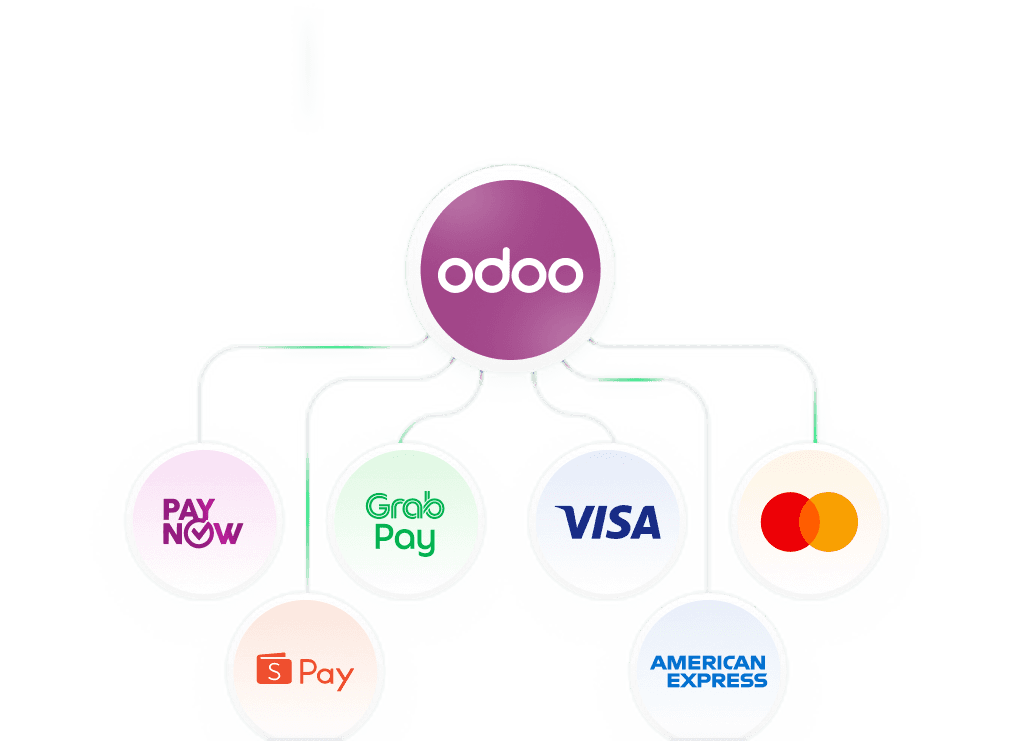
Accept PayNow, Visa, Mastercard, AMEX, GrabPay, ShopeePay and BNPL on your Odoo website
All-in-One Account
One HitPay account for Odoo eCommerce and Odoo Point of Sale

Transparent Pricing
No setup or monthly fees — only pay per transaction

How it works
Seamlessly connect your HitPay account with Odoo to manage online and in-store payments from a single unified dashboard. Follow five quick steps from account setup to terminal configuration

How it works

Account Setup
Sign up for a free HitPay account, complete Singapore business verification and activate the payment methods you want.

Module Installation
Install the HitPay Payment Gateway module from the Odoo Apps Store for your version (Odoo 15, 16, 17 or 18).

Checkout Configuration
In HitPay, open Integration Settings for Odoo and choose the methods to show at checkout.

POS Integration
For in-store sales, install the HitPay Odoo POS plugin, add HitPay Payment Gateway POS as a payment method and enter your HitPay terminal ID.

Unified Tracking
Track Odoo online and in-store payments in one HitPay dashboard.
Seamless Payments
Frequently asked questions
The questions Singapore business owners ask most when evaluating payment solutions - answered clearly.
How do I accept PayNow on Odoo?
Install the HitPay Payment Gateway module from the Odoo Apps Store, then choose PayNow and your other methods in HitPay's Integration Settings for Odoo. Customers see PayNow at checkout on your Odoo website.
Which Odoo versions does HitPay support?
The eCommerce module is available for Odoo 15, 16, 17 and 18 on the Odoo Apps Store. The Odoo POS plugin supports Odoo POS 16, 18 and 19.
Which payment methods can I accept on Odoo in Singapore?
PayNow, Visa, Mastercard, AMEX, GrabPay, ShopeePay, WeChat Pay and BNPL options such as Atome and ShopBack PayLater, depending on what's activated on your HitPay account.
Can I take card payments in my store with Odoo POS?
Yes. Install the HitPay Odoo POS plugin, add HitPay Payment Gateway POS as a payment method in Odoo, and enter the terminal ID from your HitPay dashboard to take card payments on a HitPay terminal.
How much does HitPay cost on Odoo?
There's no setup or monthly fee. Online PayNow is 0.65% + S$0.30 for S$100 and above, or 0.9% (min S$0.20) below S$100, and domestic cards are 2.8% + S$0.50. The Odoo plugin adds 0.2% on top. See the Singapore pricing page for every method.
How do I refund an Odoo POS payment?
In the order, click Return Products, then Payment, choose HitPay Payment Gateway POS as the refund method, and enter the refund as a negative amount.
When do I get paid?
Card payouts arrive T+1 business days and non-card payouts, including PayNow, T+1 calendar day. Online and in-store sales land in one HitPay dashboard and one payout. See the Singapore pricing page.
Is HitPay licensed in Singapore?
Yes. HitPay is MAS licensed. Details are on the licence and registrations page.
Still have questions?
Get in touch
Get in touch with our sales team for more information.
Help and Support
Find answers to your questions and get support for our services.
